Vim Colorschemes in cool-retro-term: All 30 Screenshots
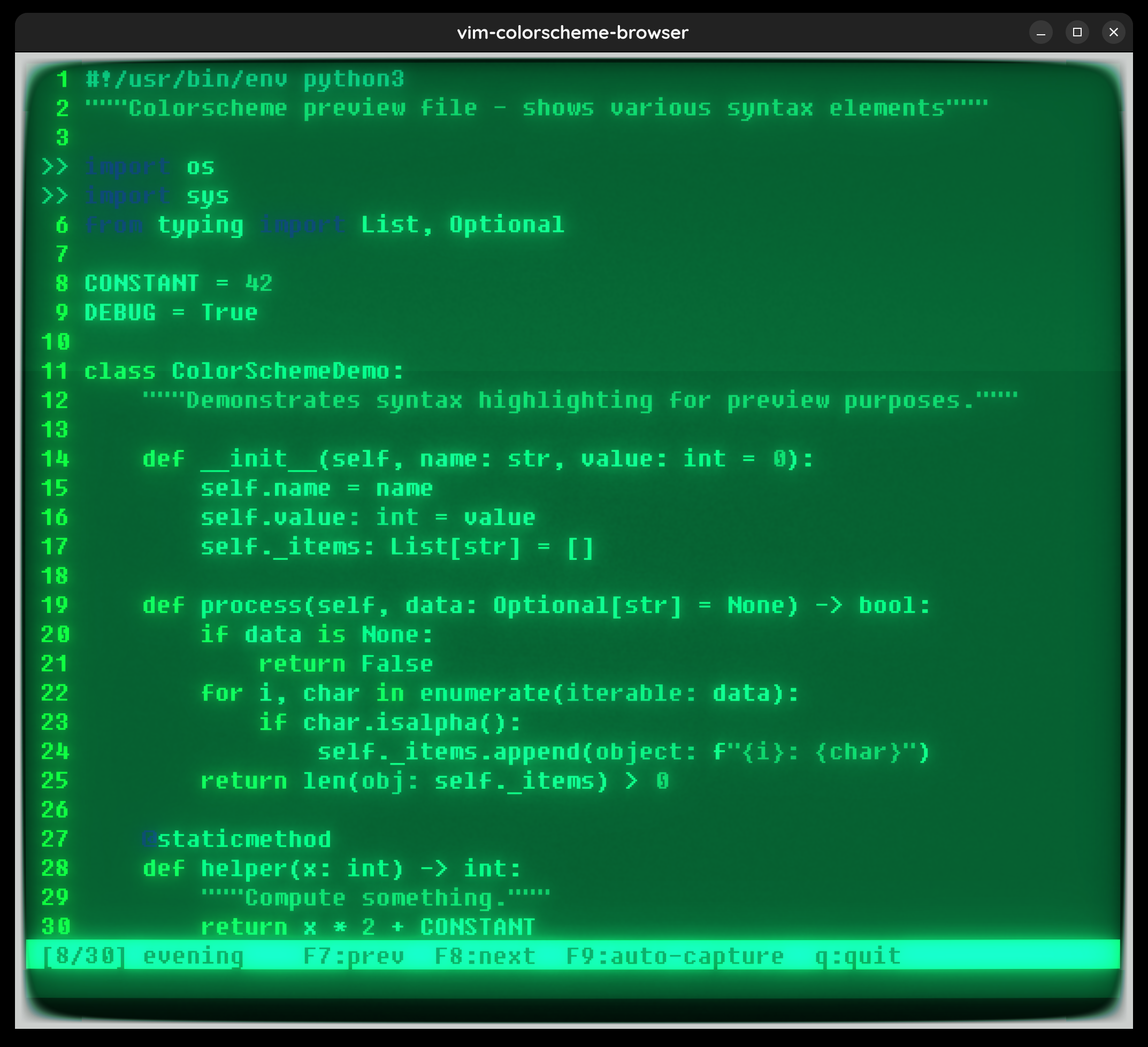
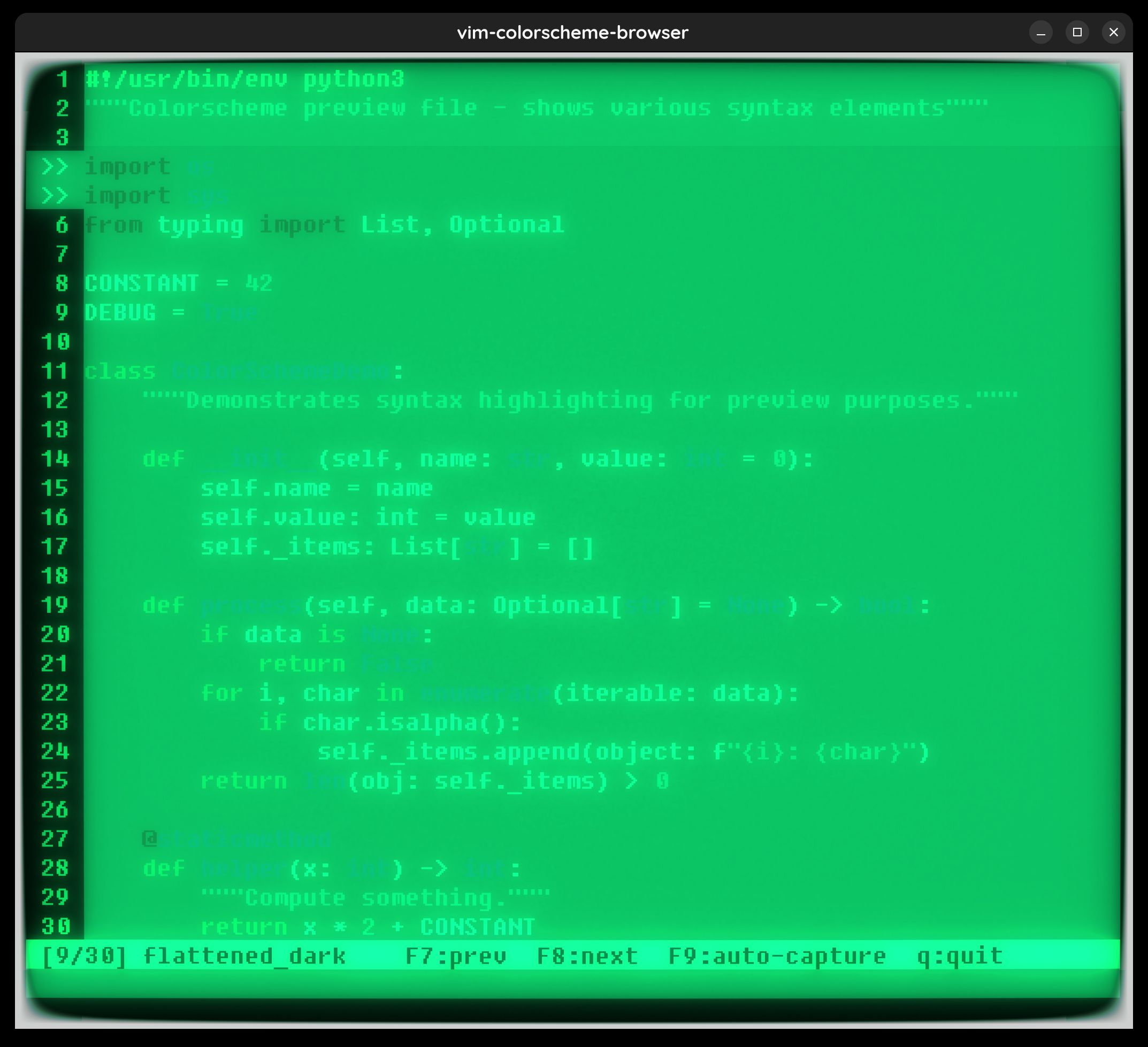
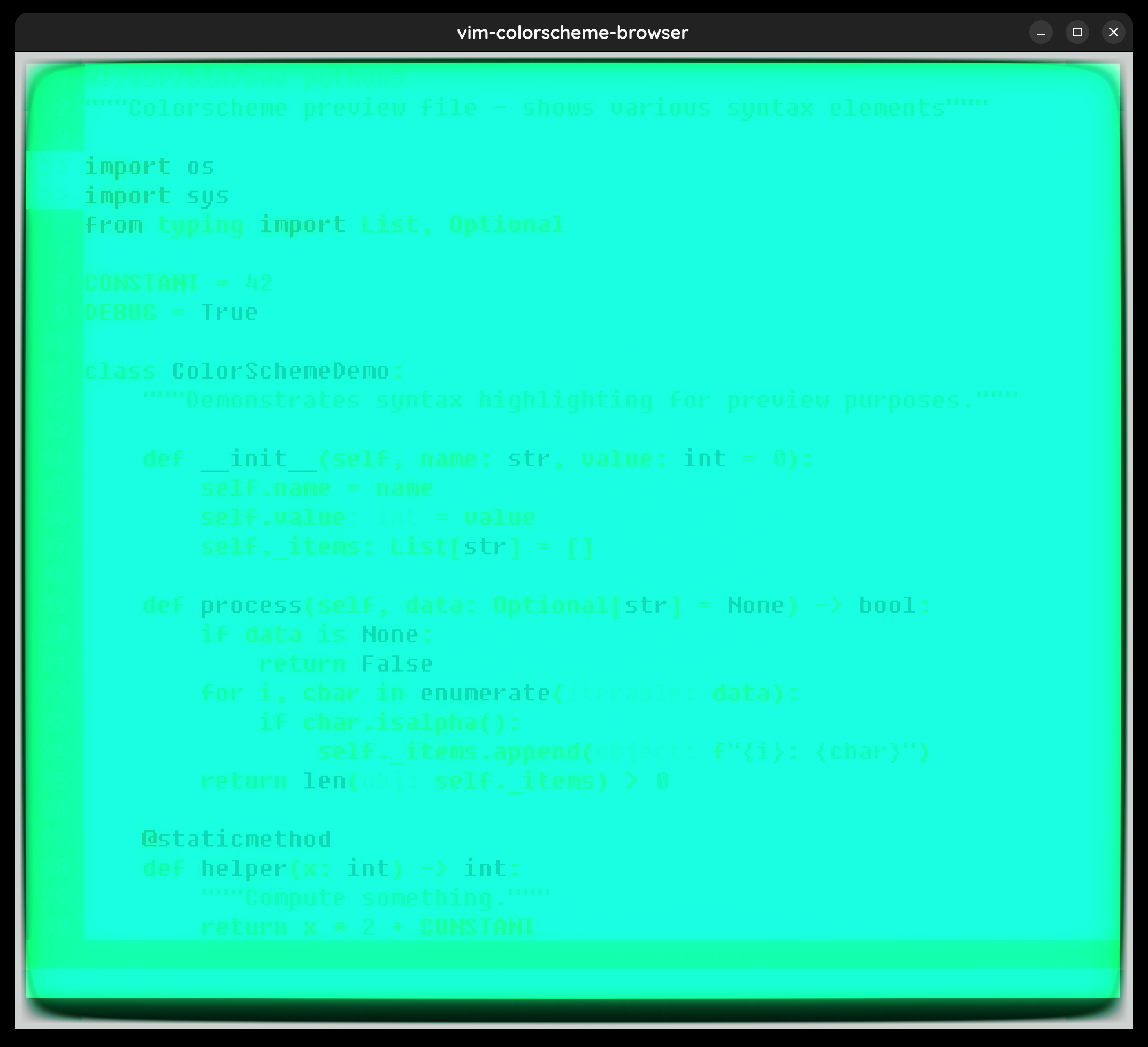
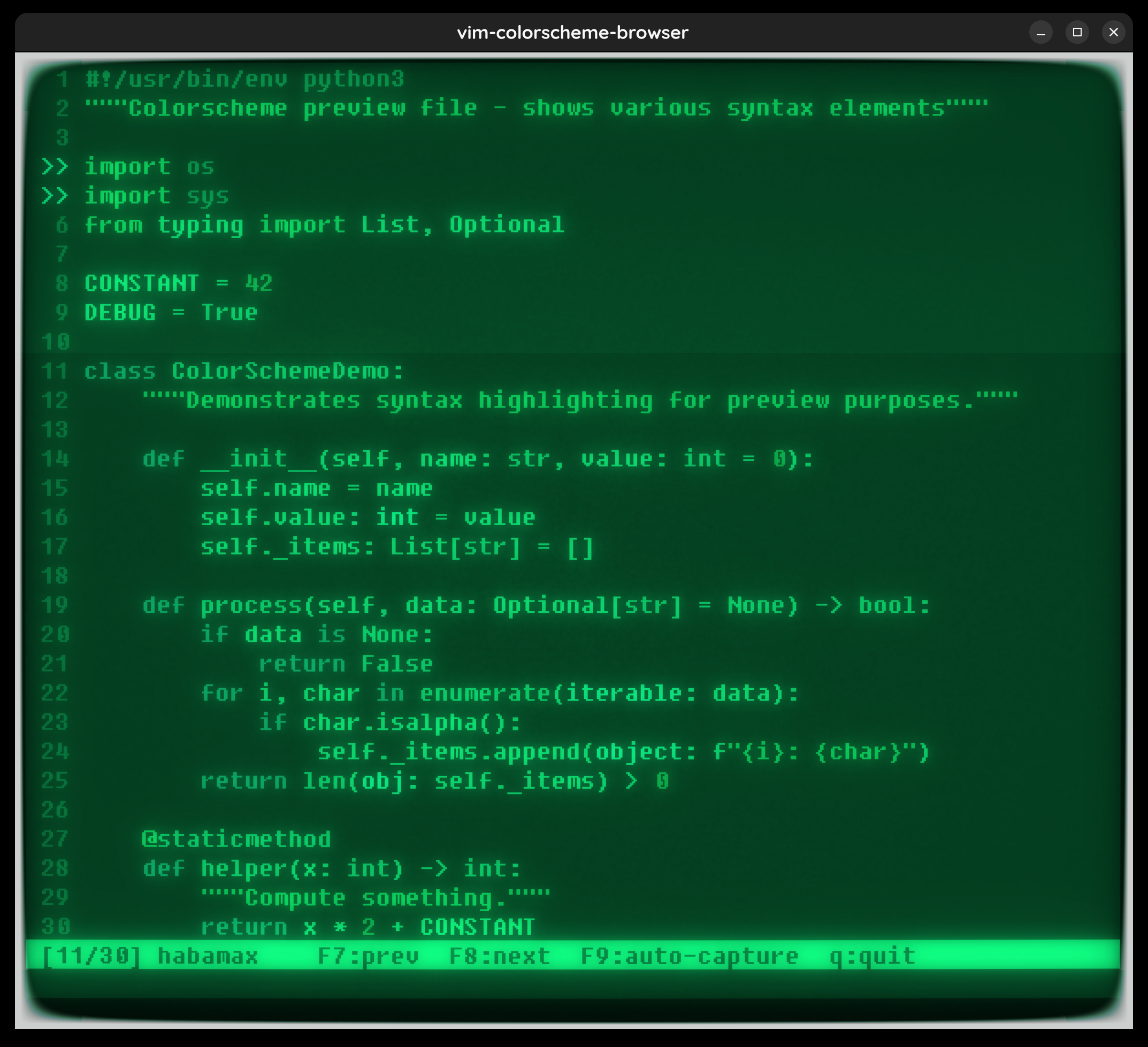
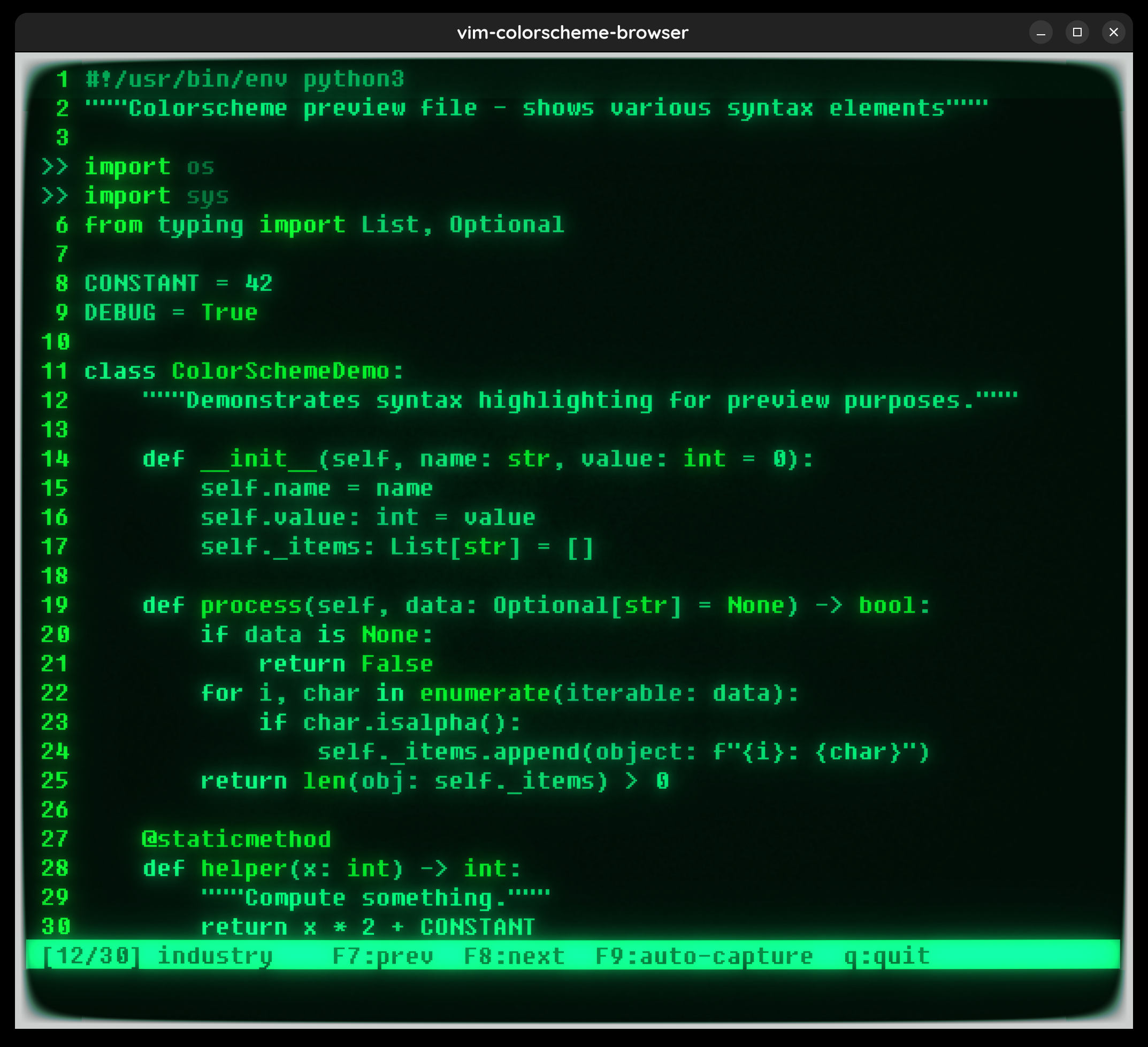
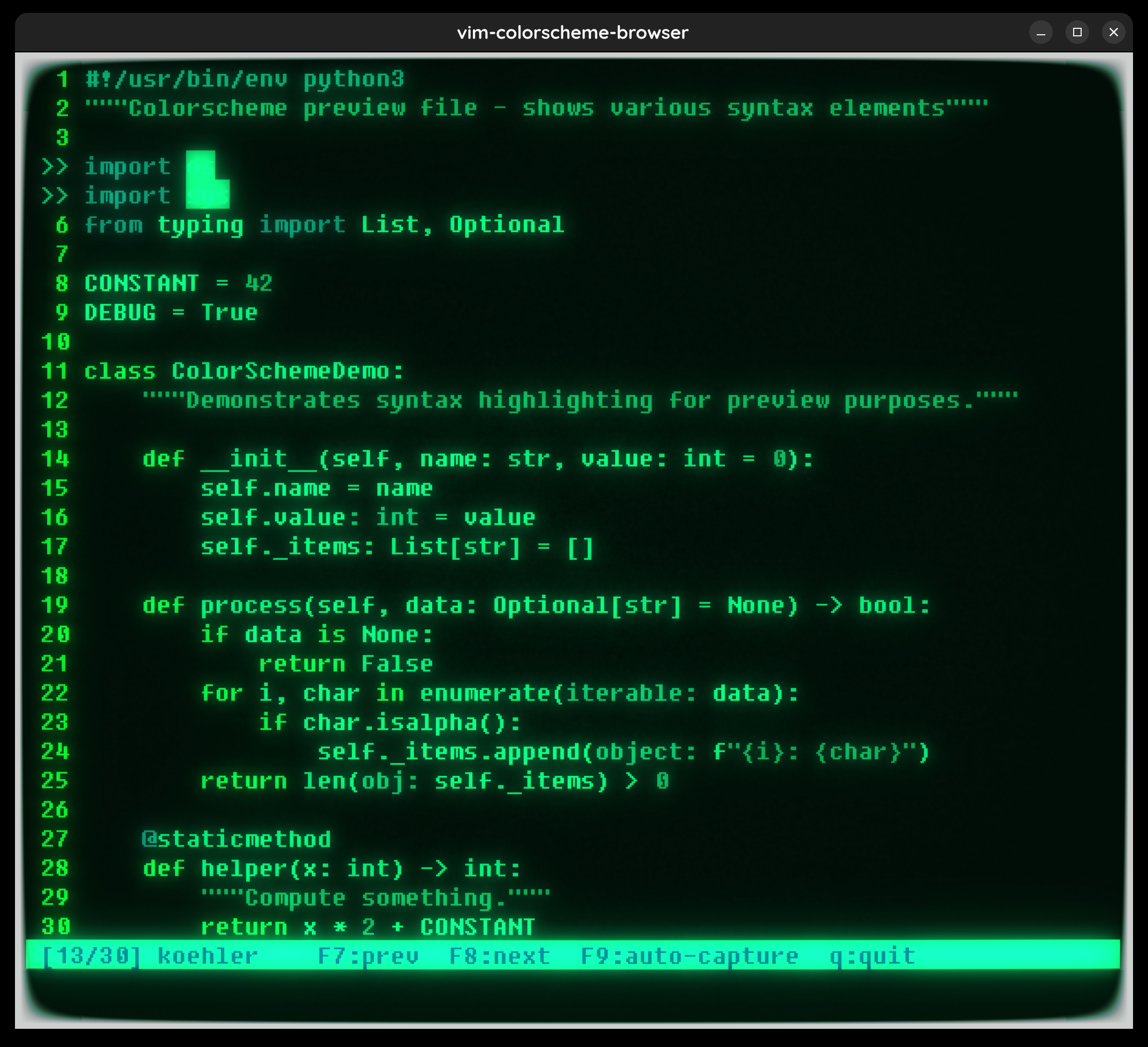
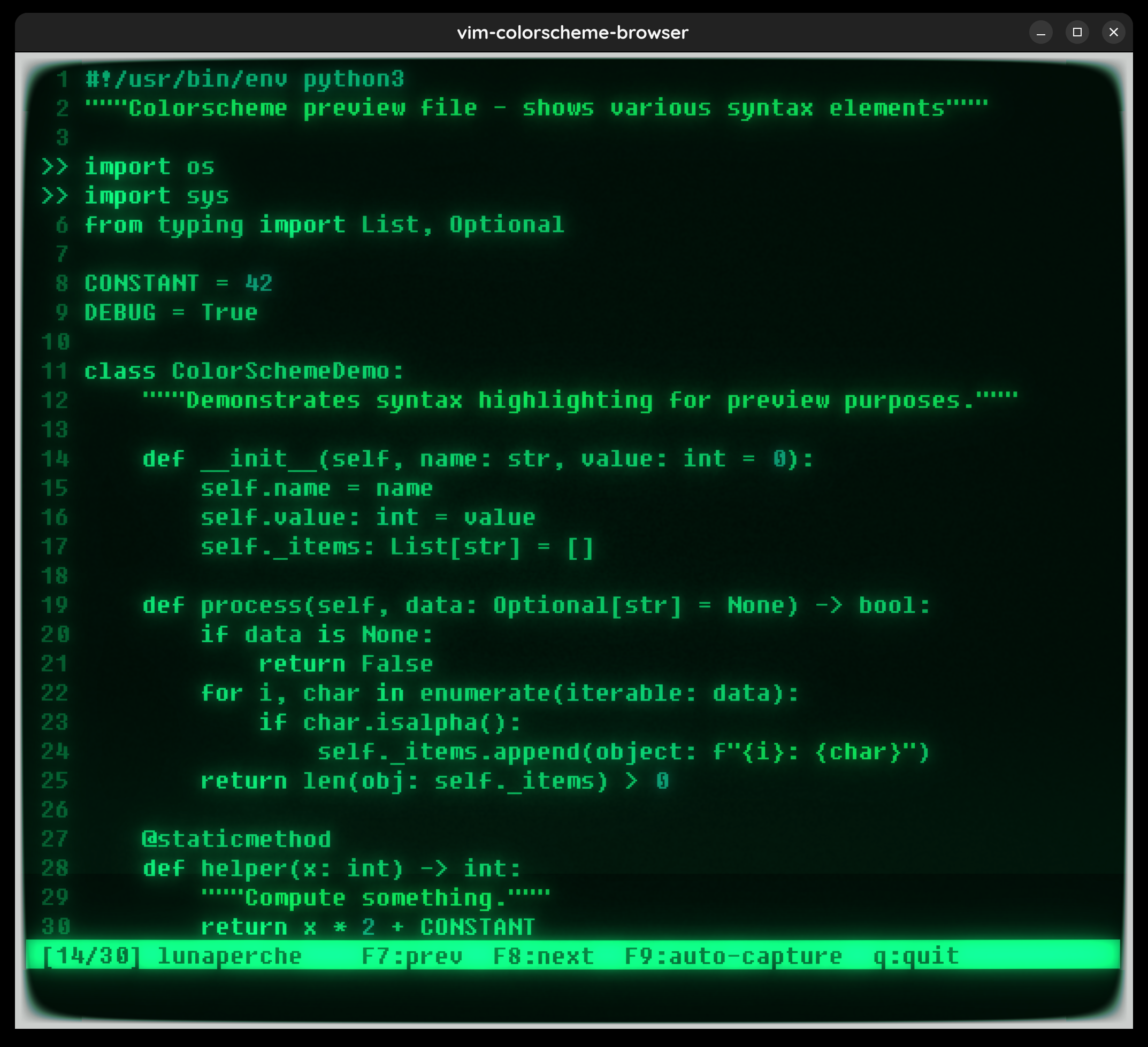
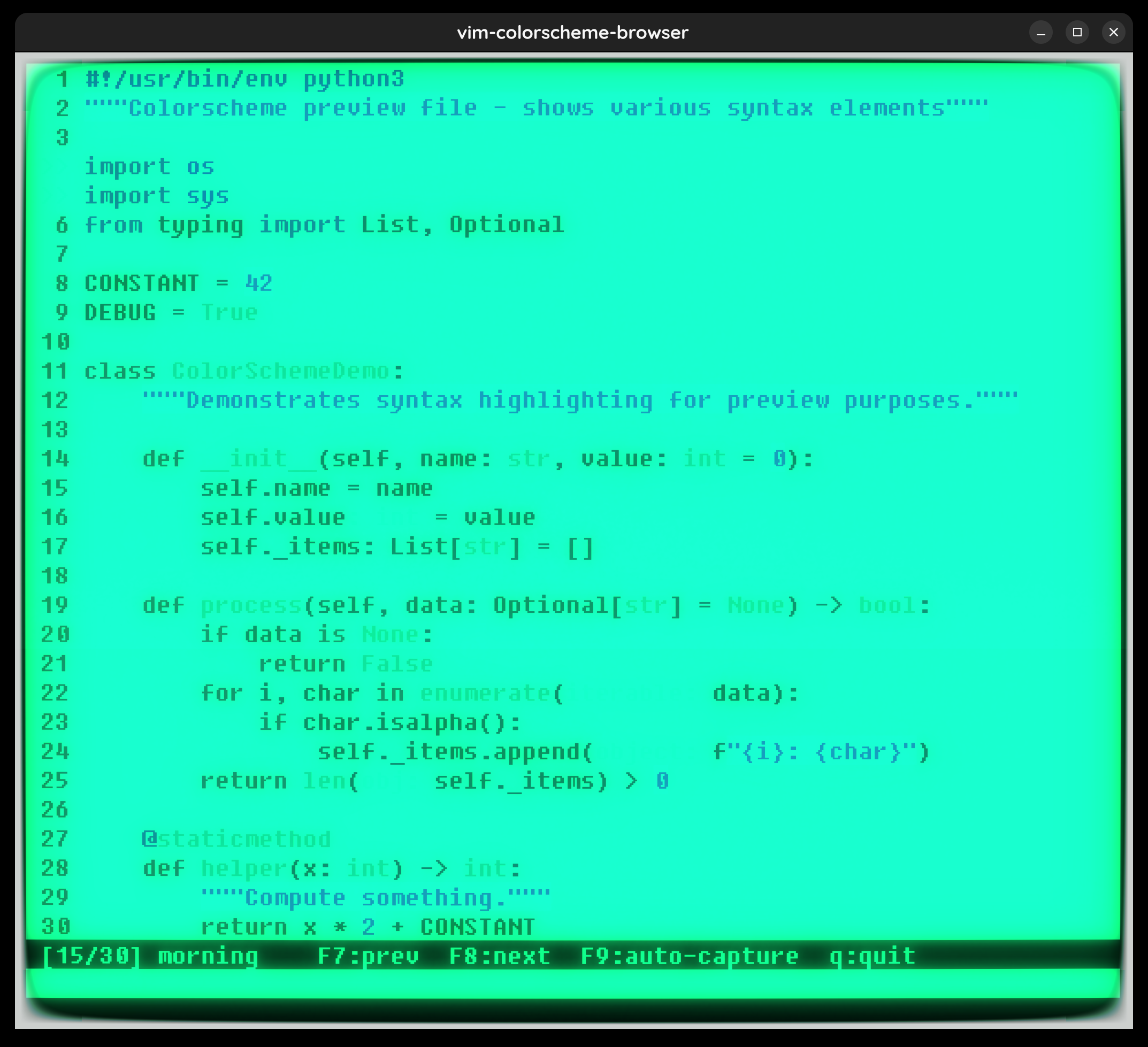
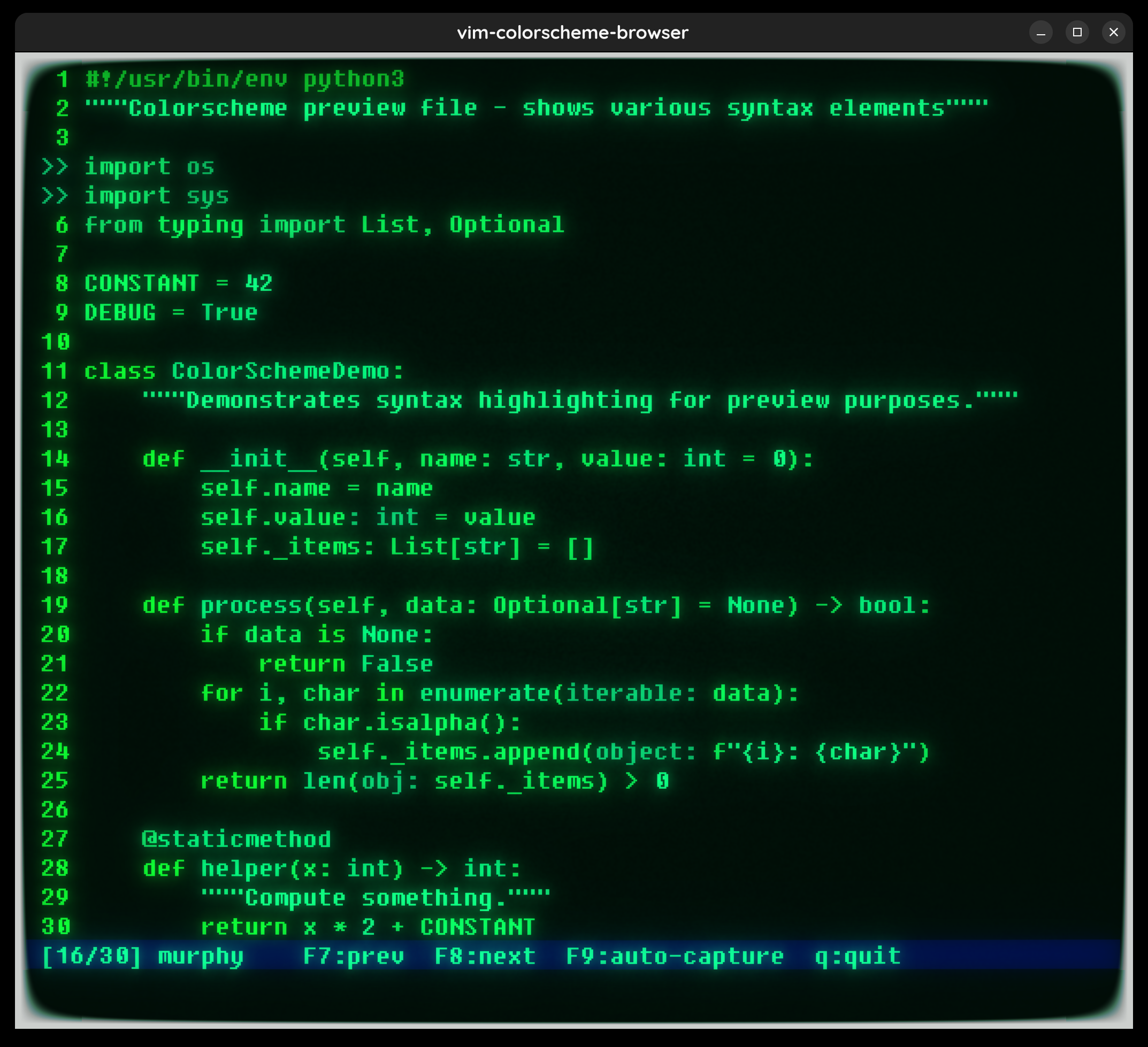
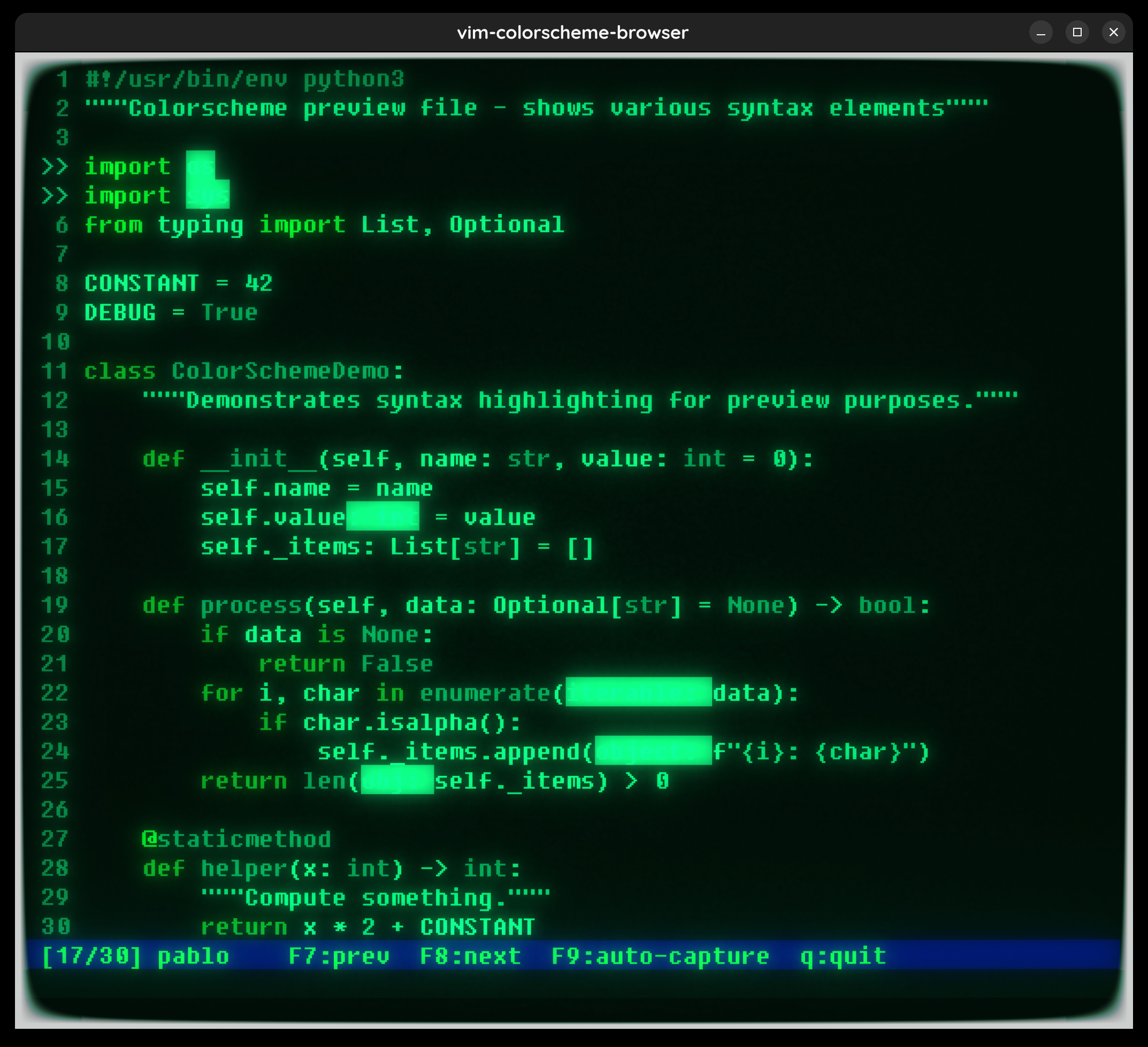
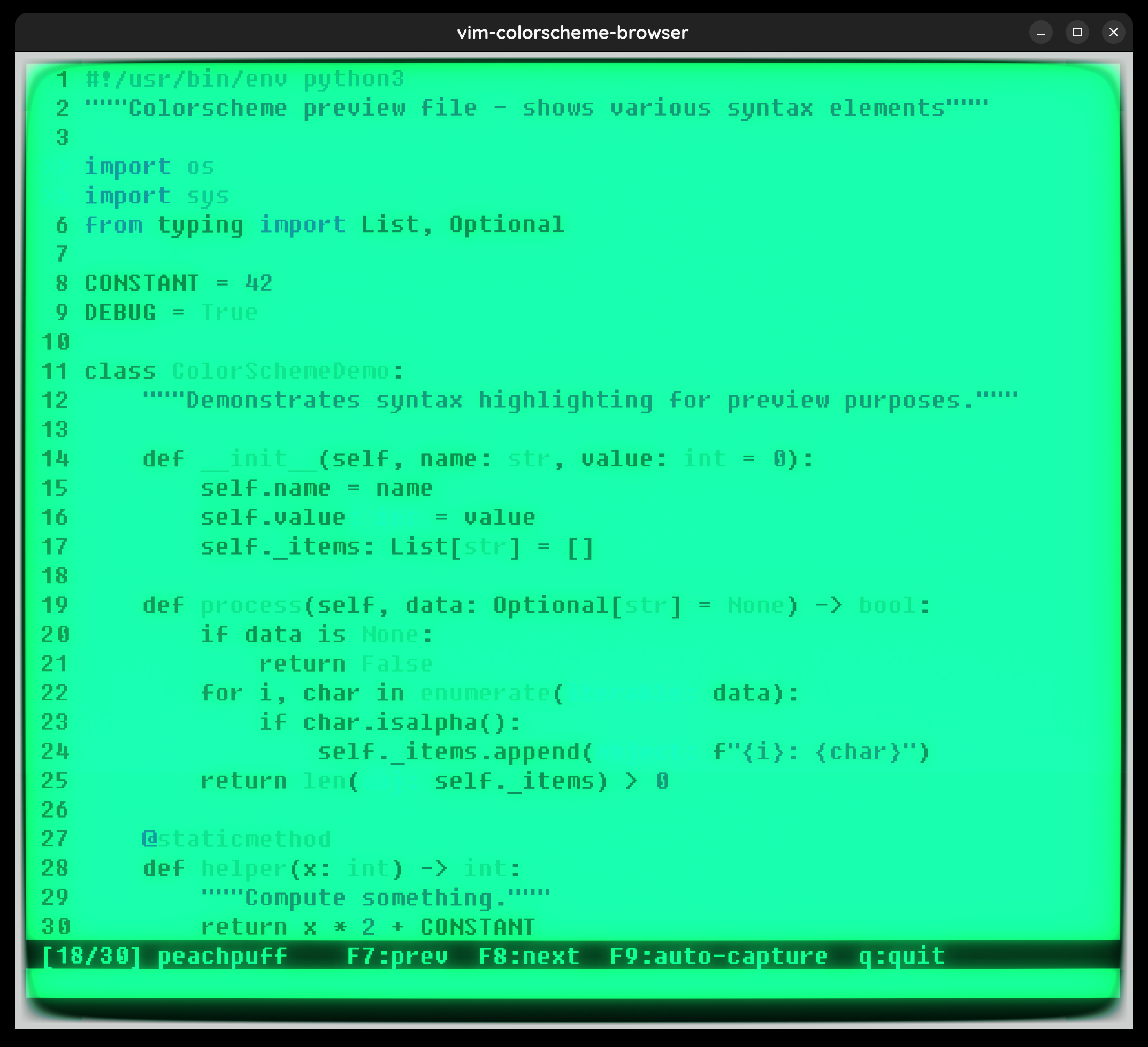
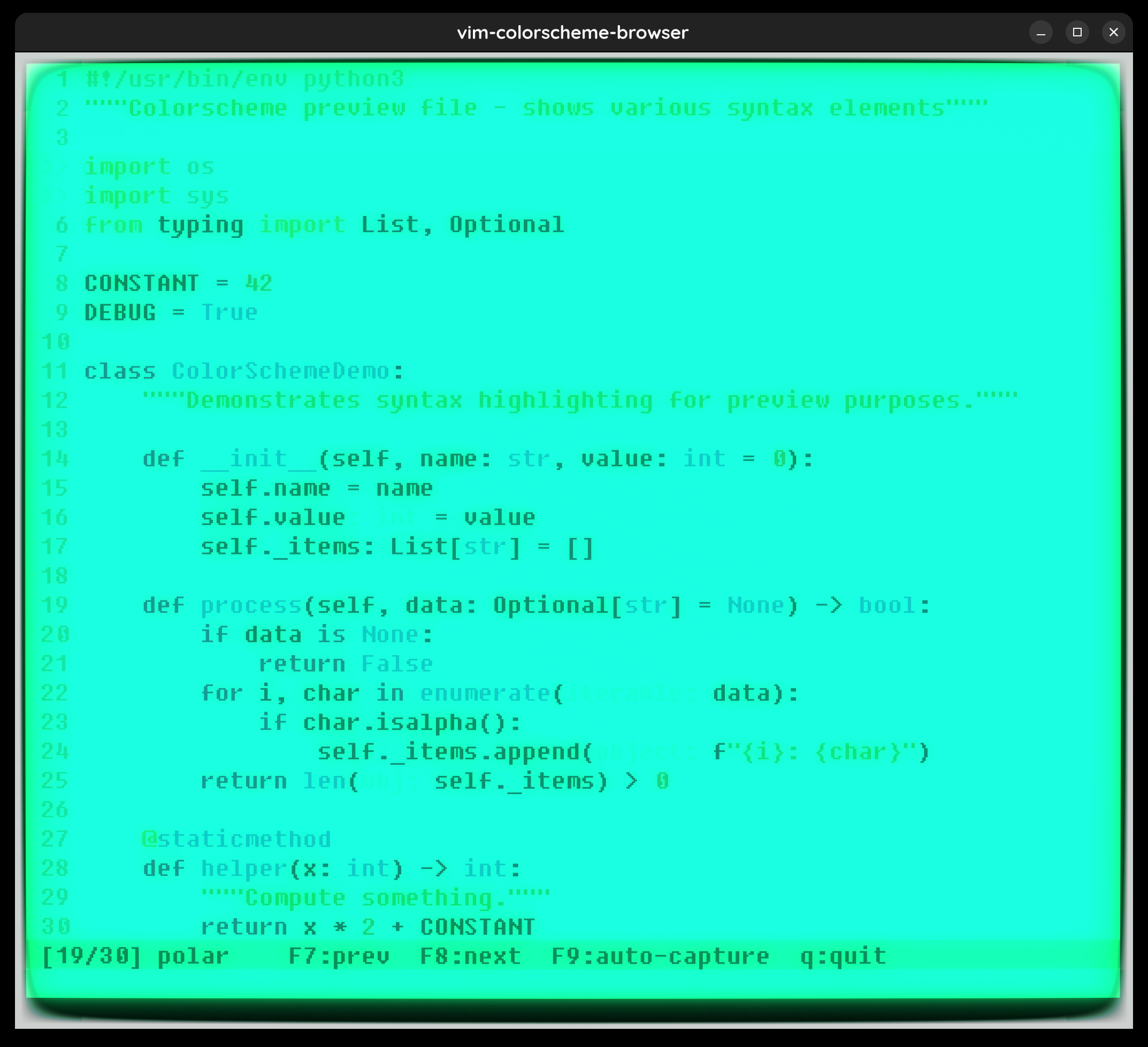
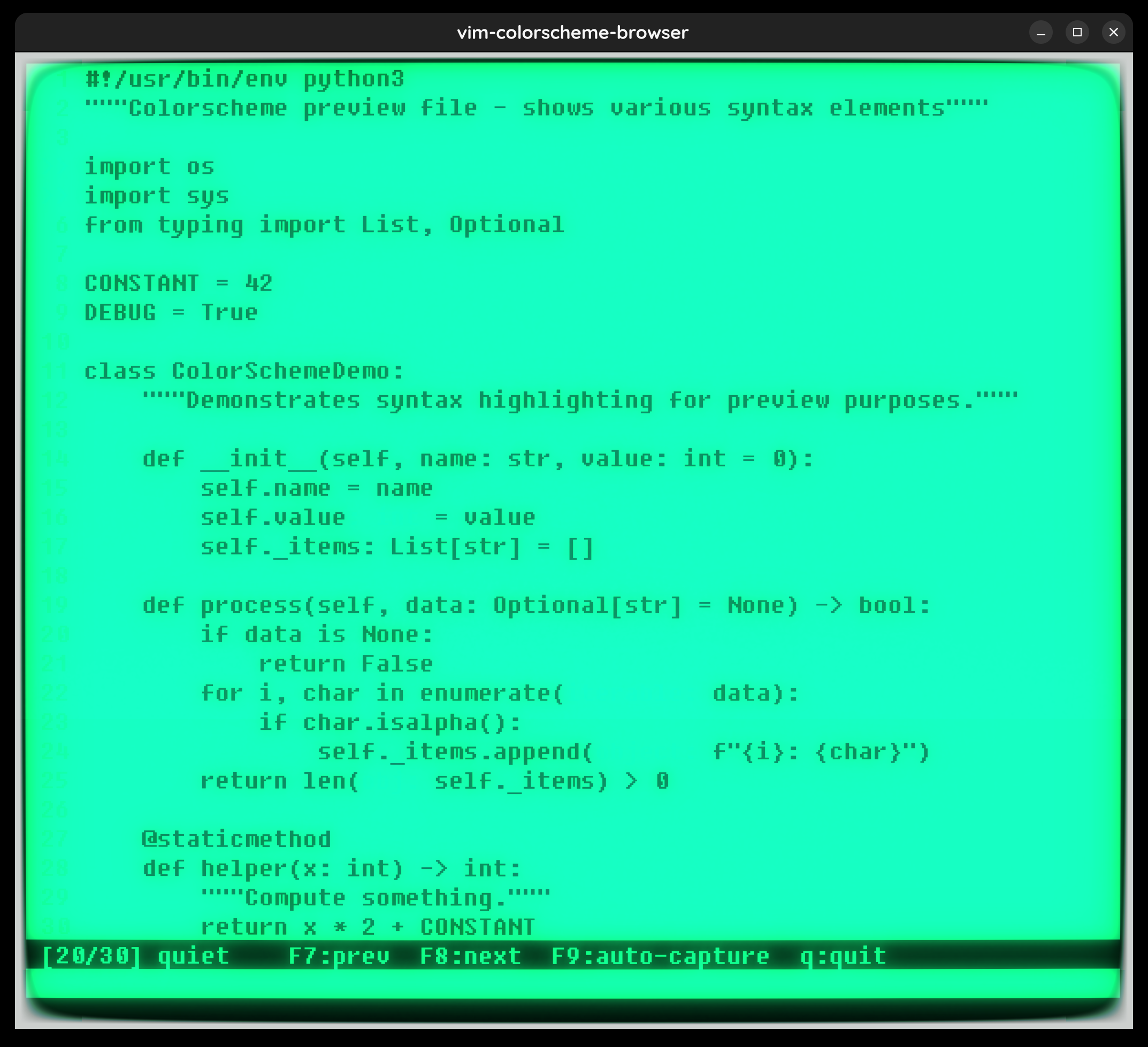
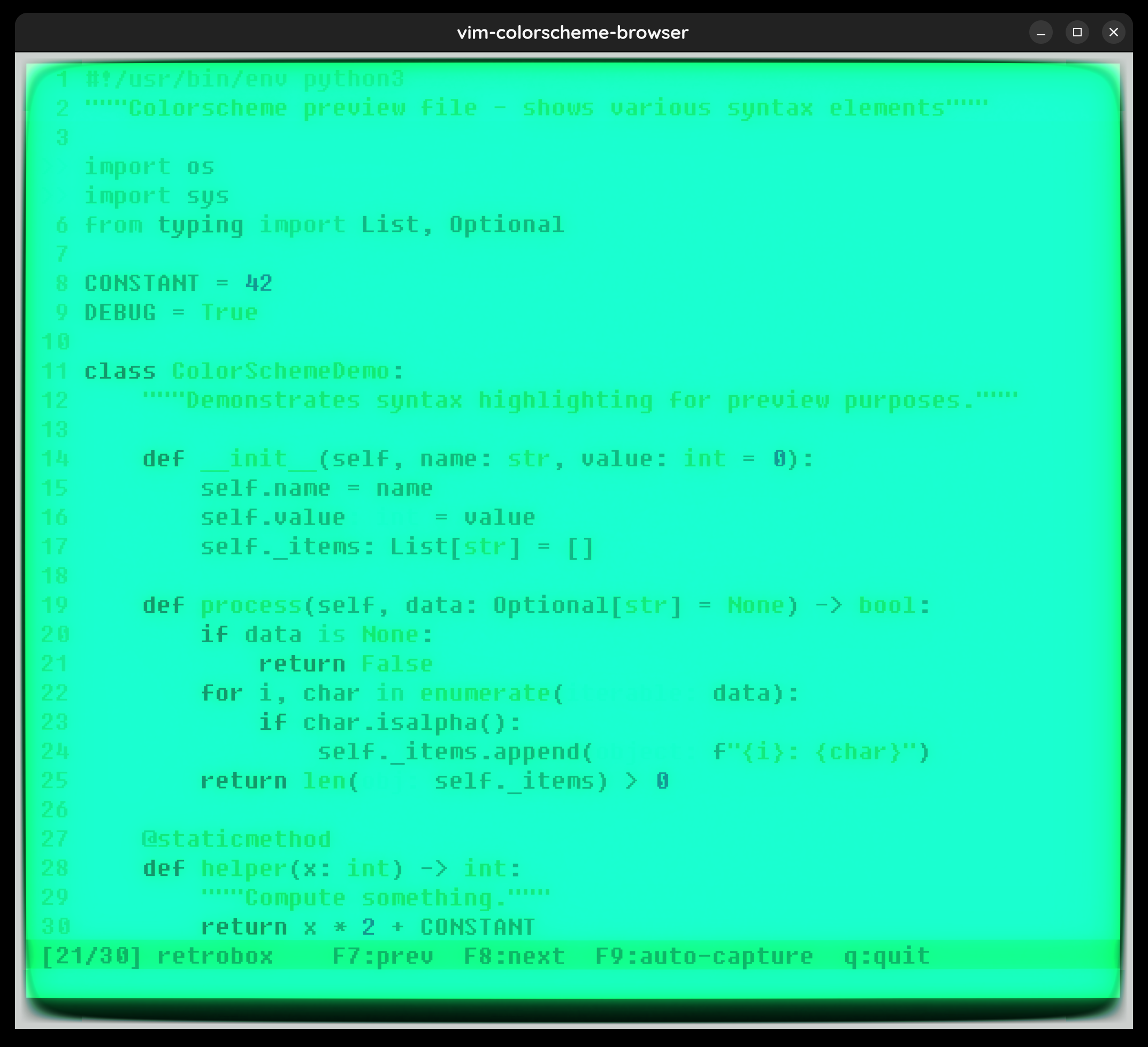
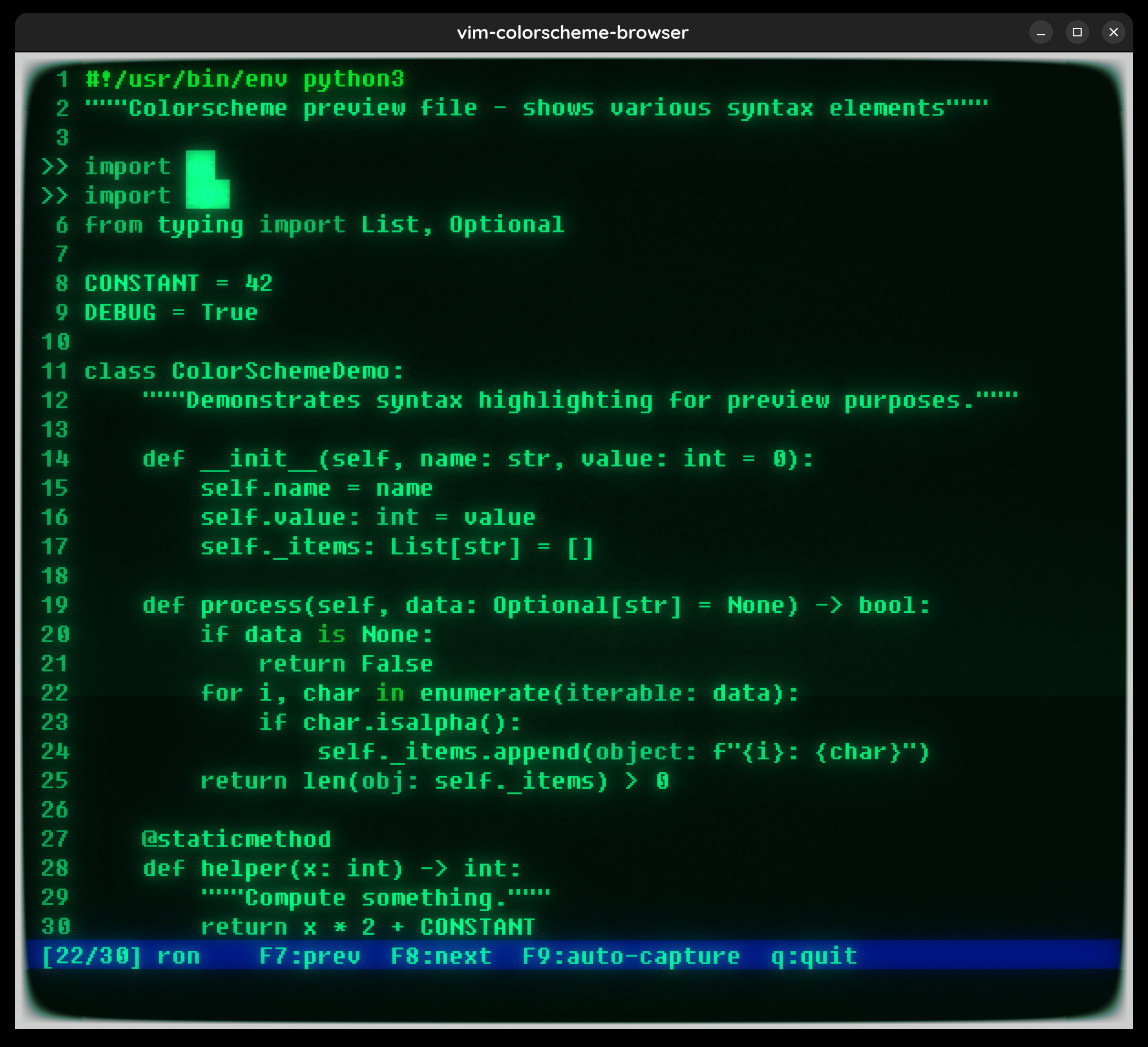
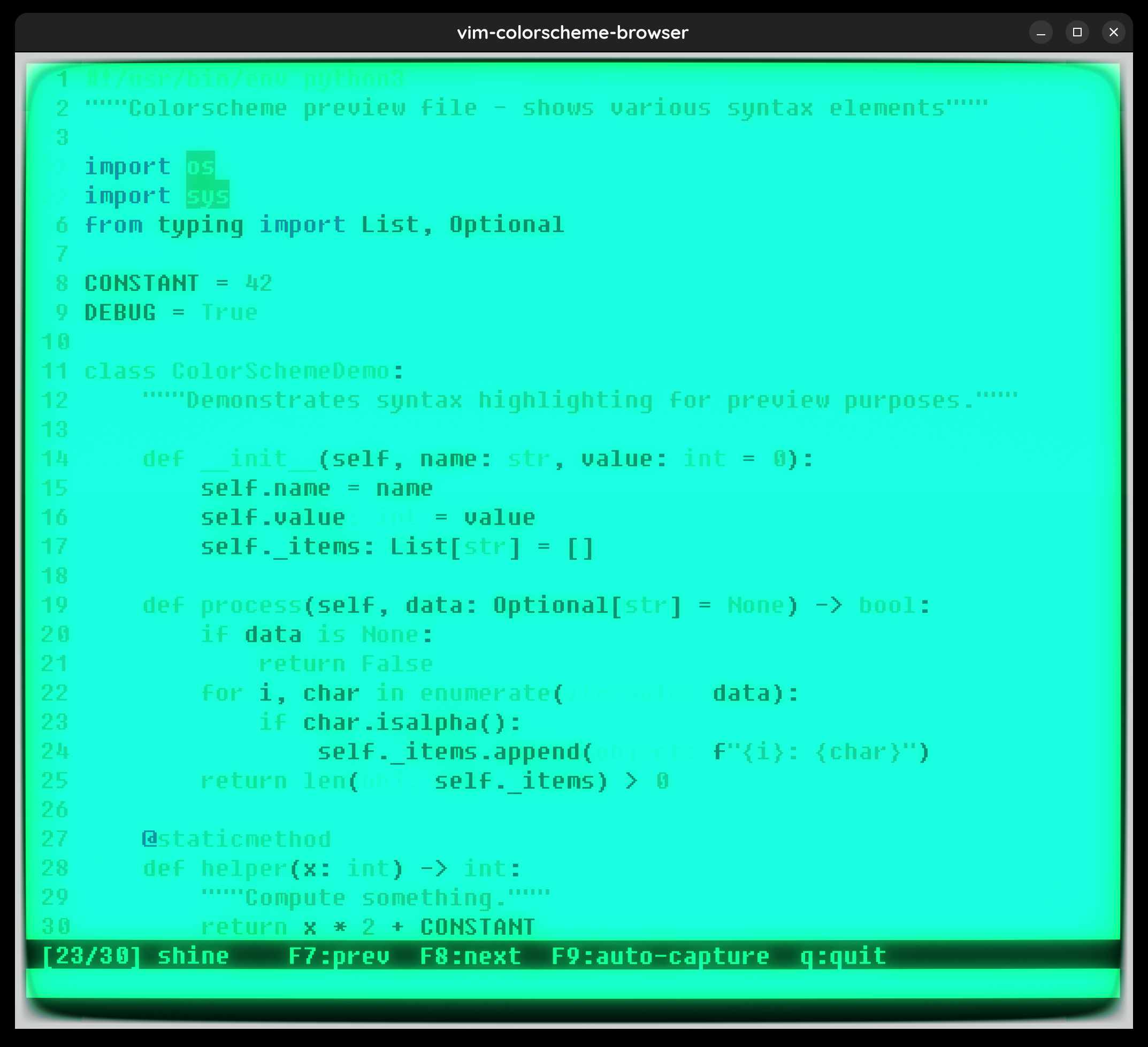
I run cool-retro-term with a green phosphorus monochrome theme — and picking a vim colorscheme for it is not straightforward. Most colorscheme previews online show Alacritty or iTerm2. The CRT phosphor glow changes everything.
So I automated it: a vimscript that cycles through all 30 built-in colorschemes, waits 1 second for the bloom effect to settle, screenshots the window, and moves on. Here’s the cycle script if you want to do the same.
The Setup
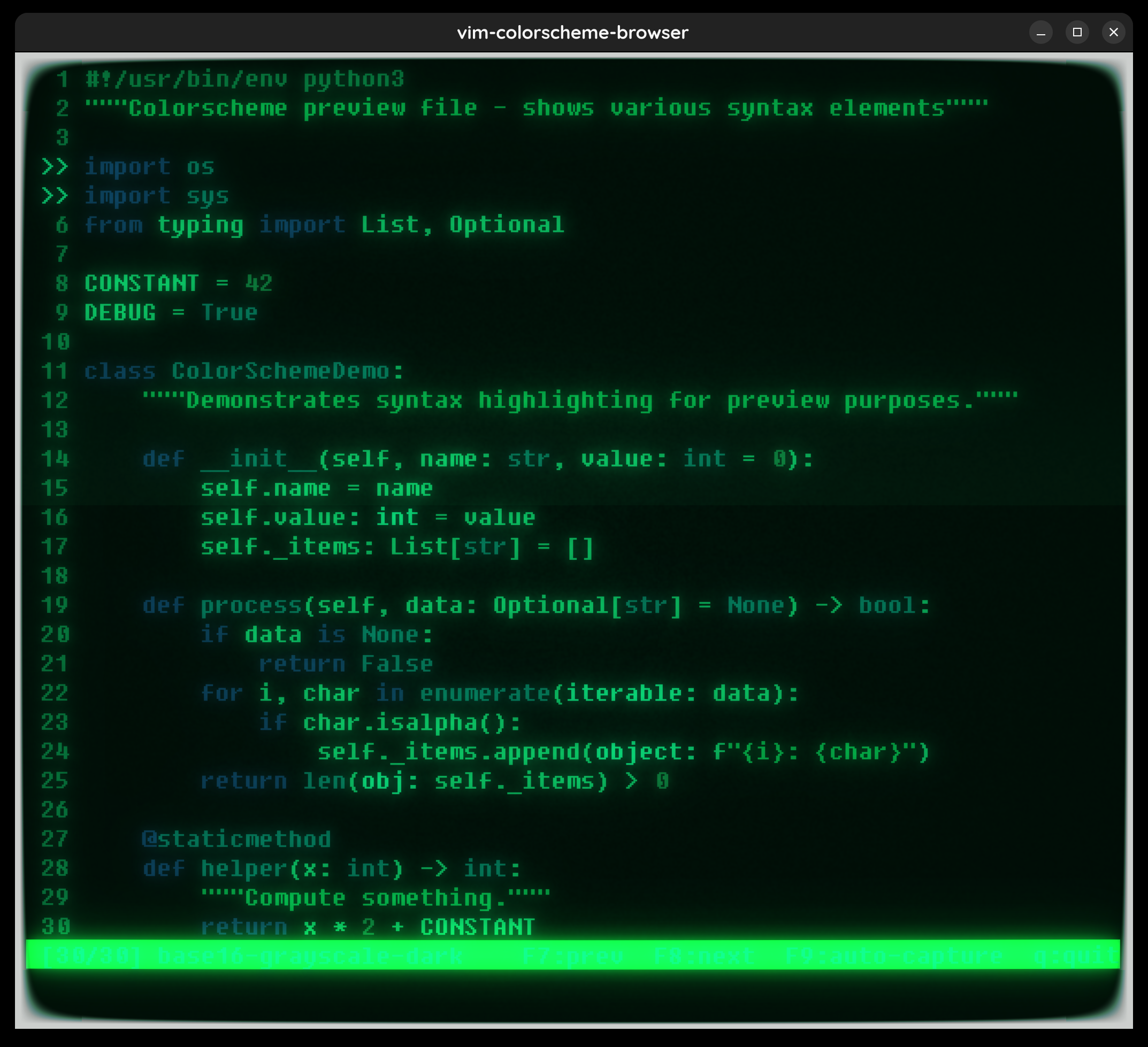
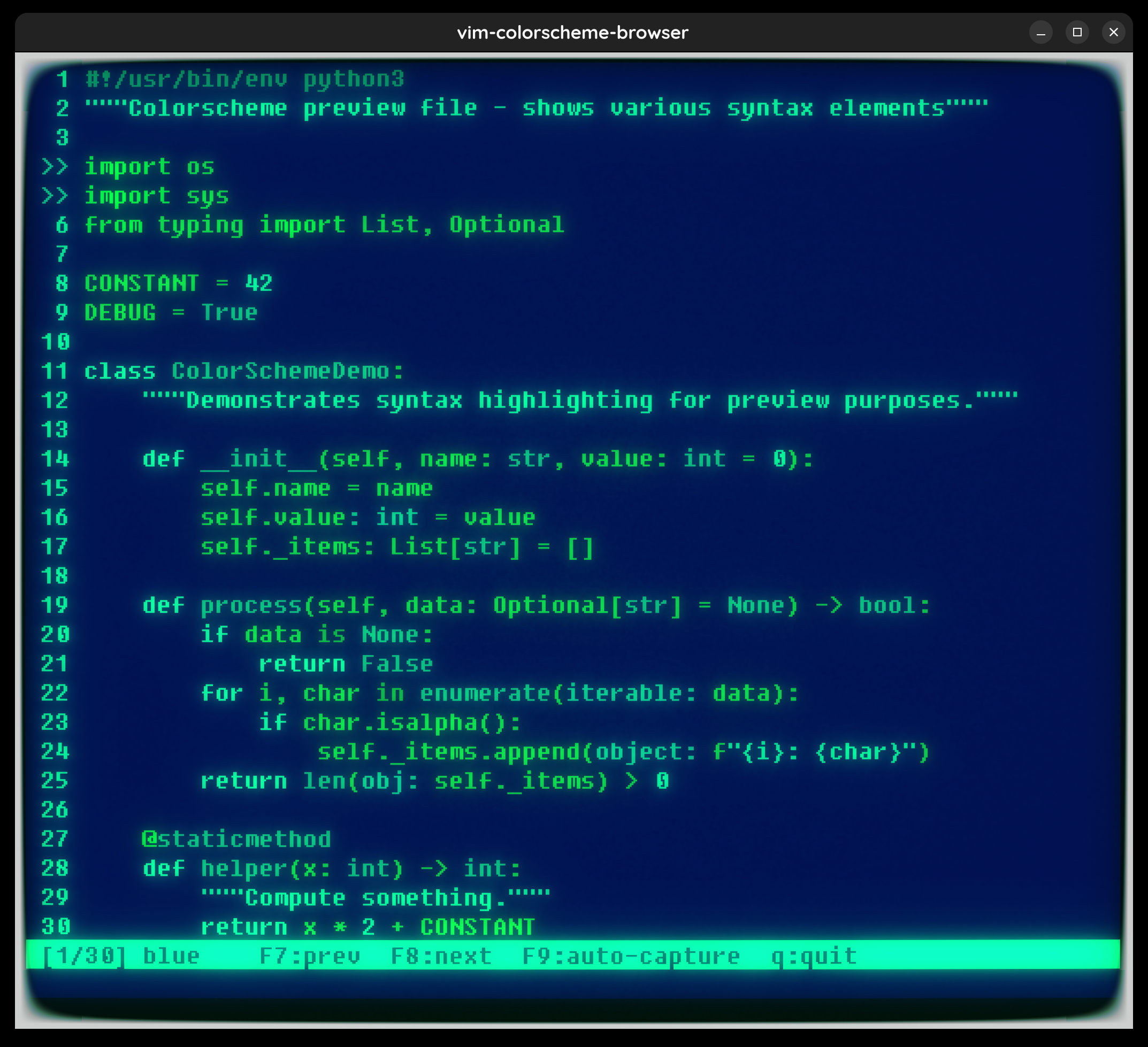
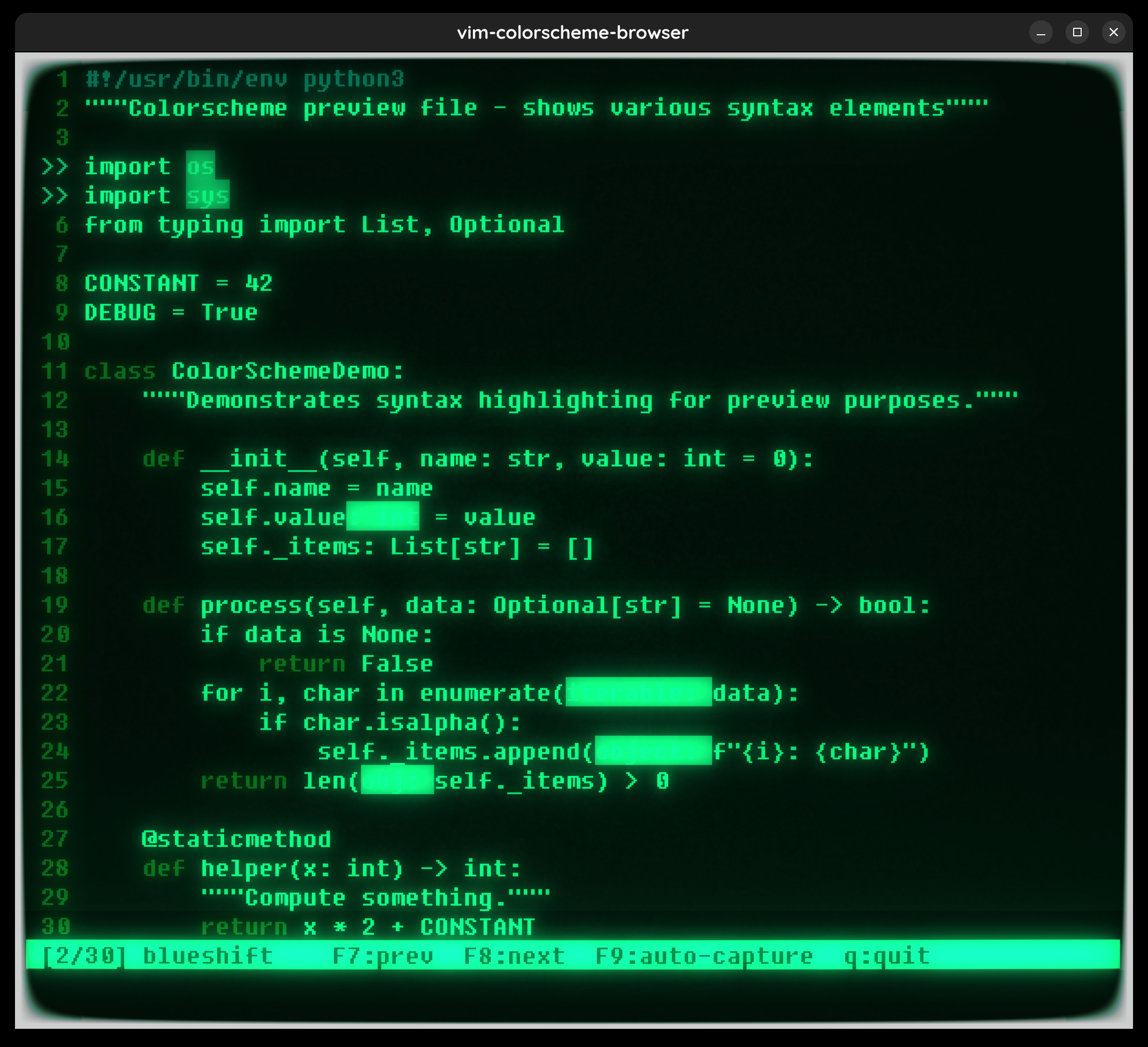
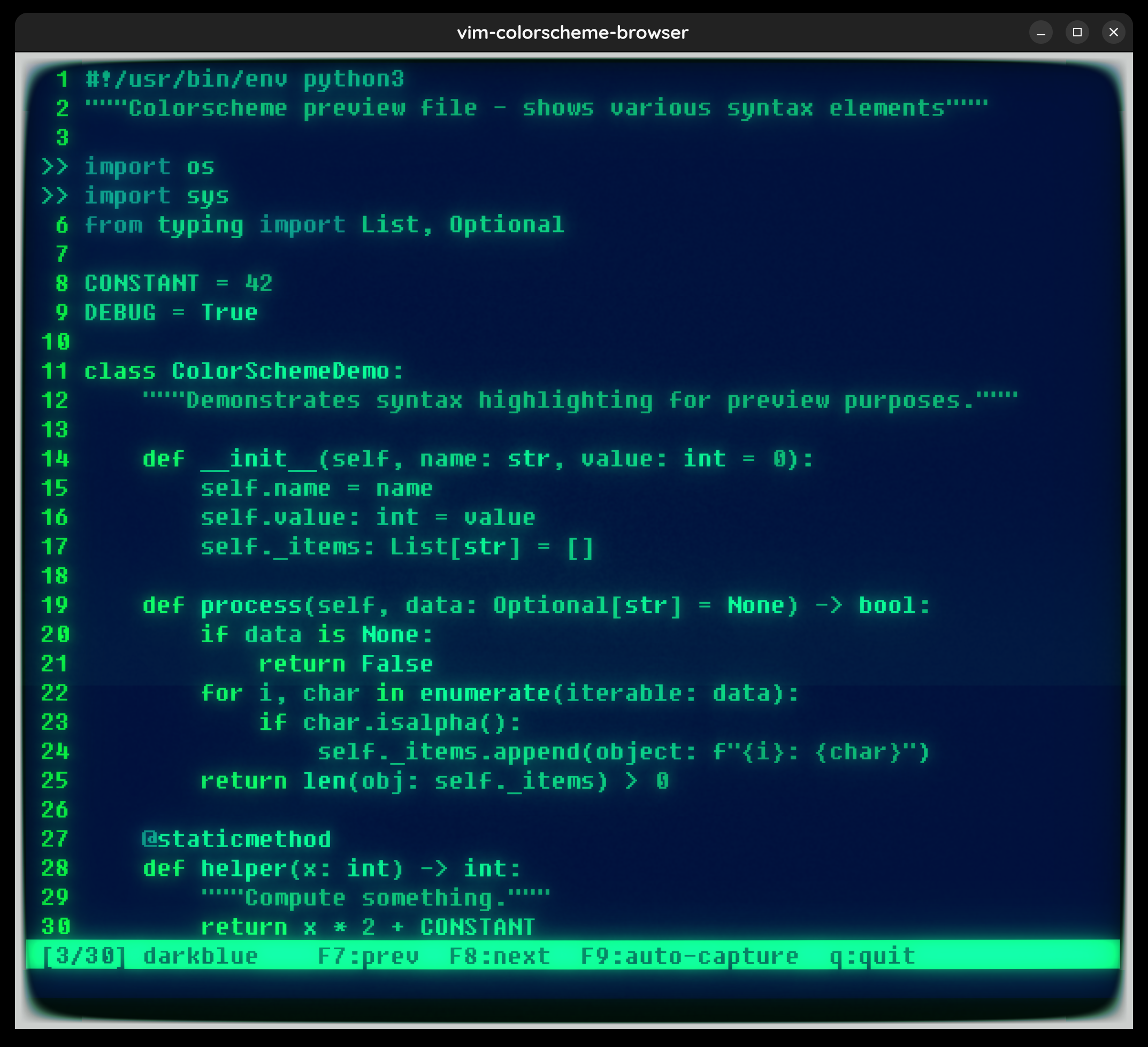
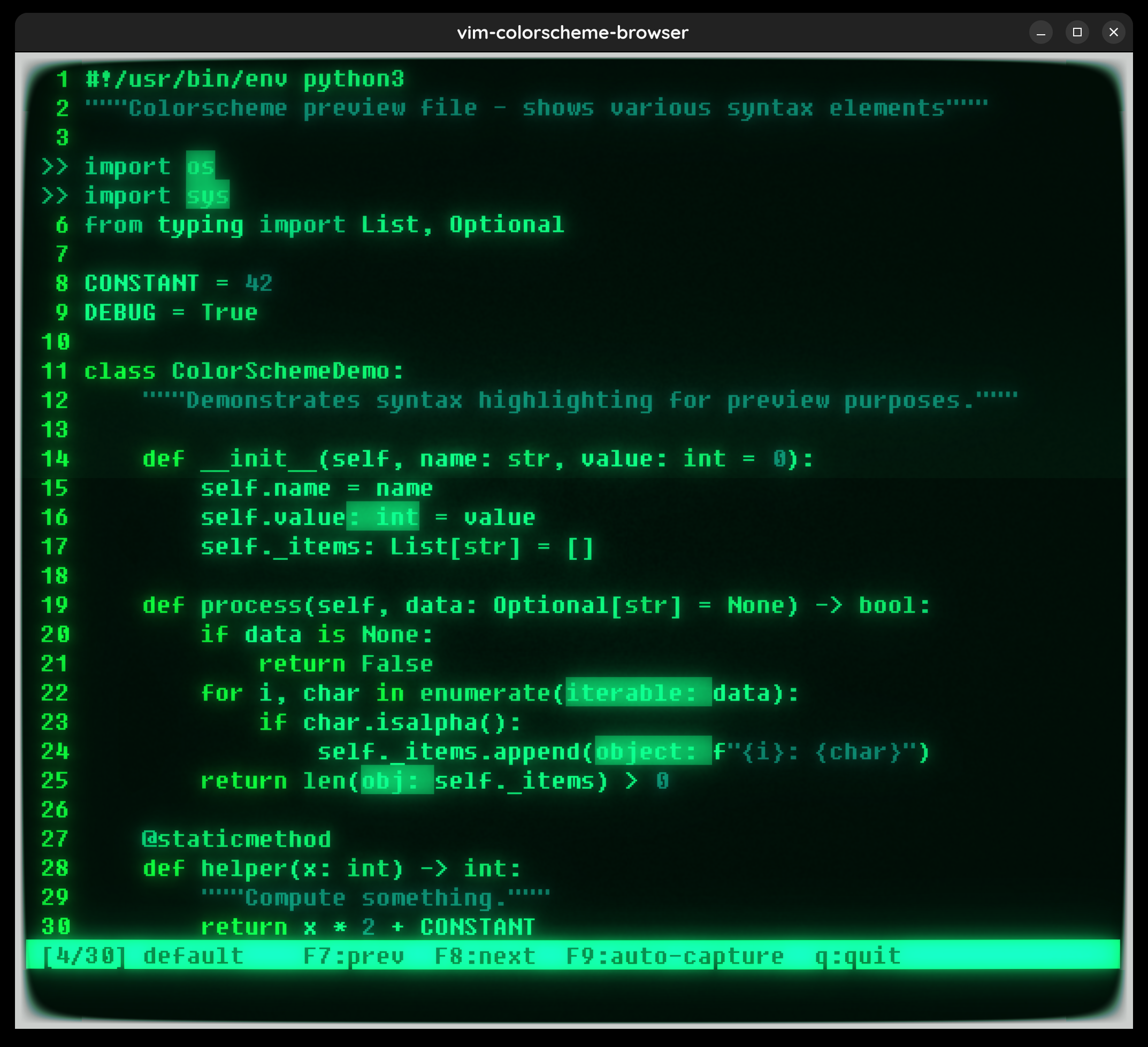
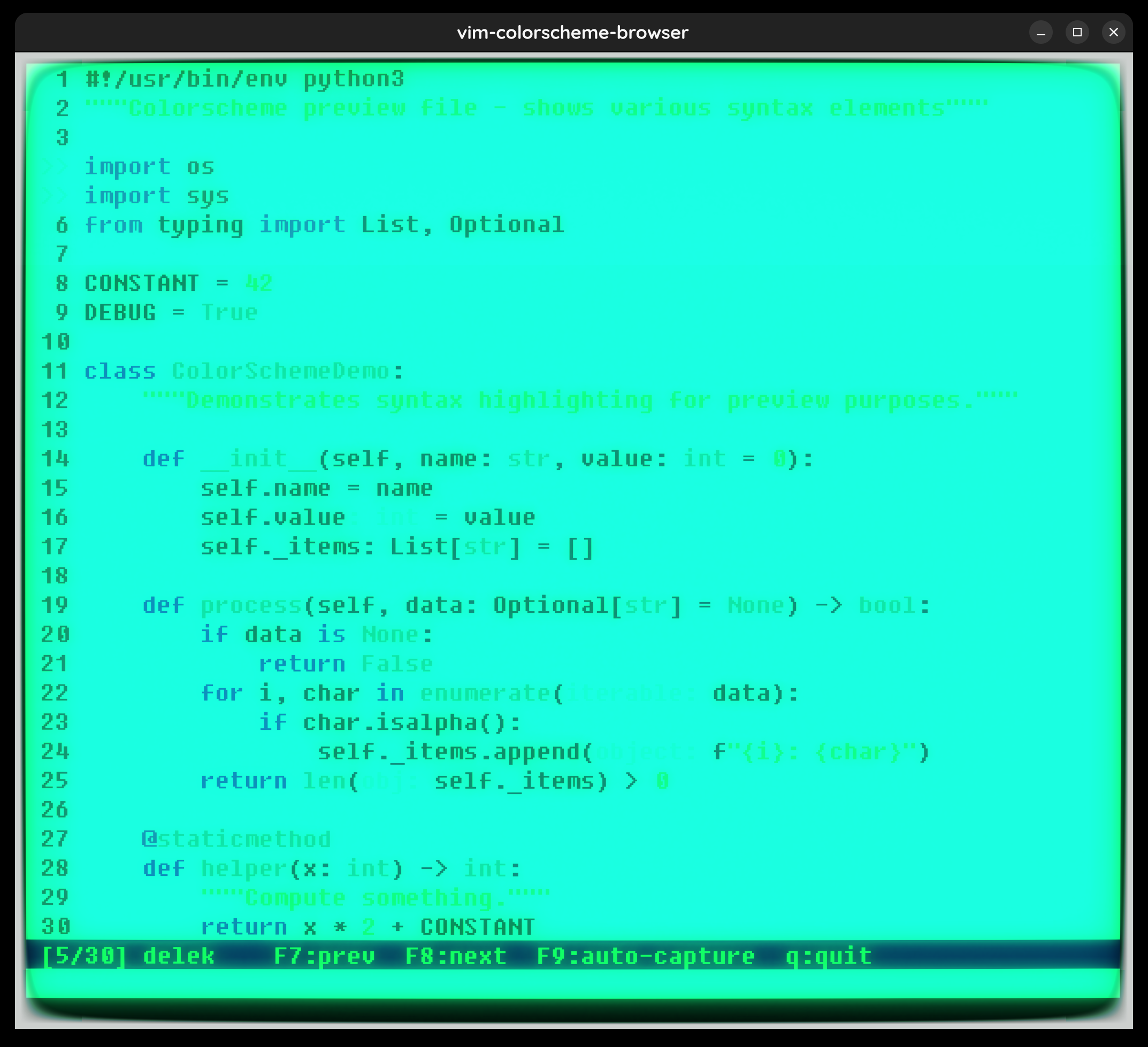
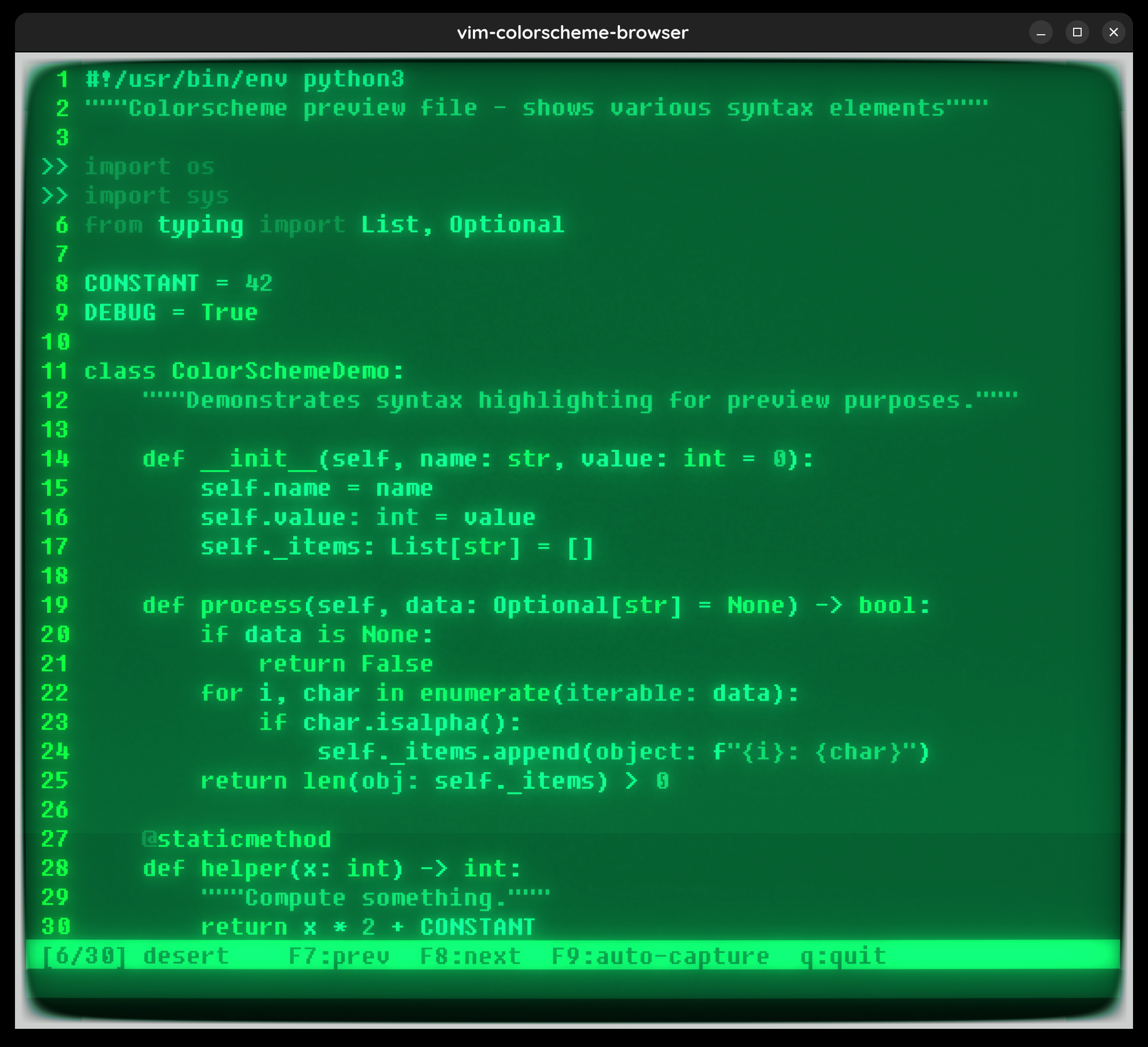
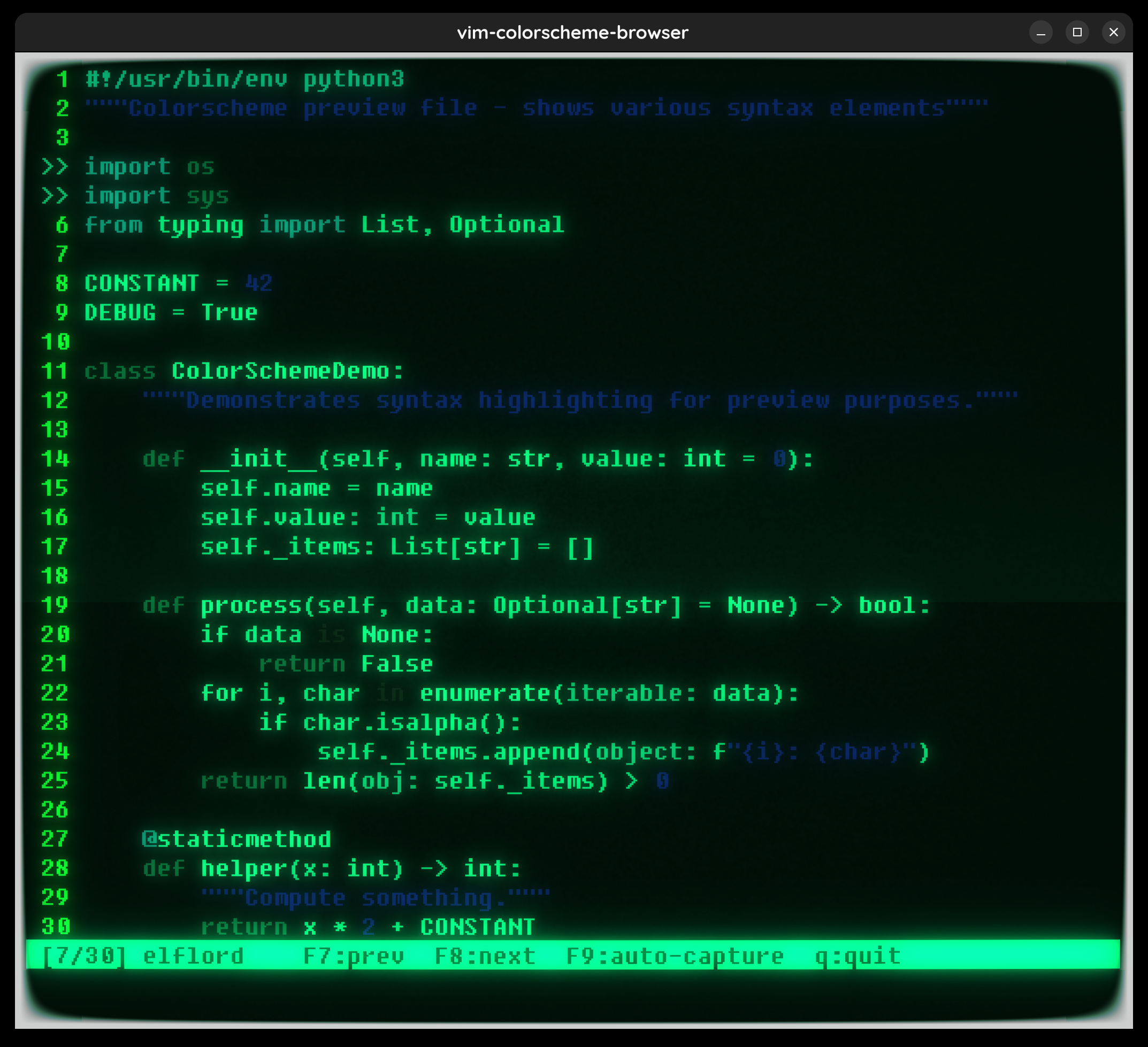
A sample Python file open in vim, with syntax on and set number. The terminal is cool-retro-term with the Monochrome Green profile (trace of chroma). Screenshots taken with ImageMagick import -window.
The key parts of the vimscript:
" set notitle prevents vim from overriding the window title (needed for window lookup)
set number laststatus=2 cmdheight=1 bg=dark notitle

function! s:AutoCapture()
    let outdir = expand('~/Pictures')
    let total = len(s:schemes)
    for i in range(total)
        let s:idx = i
        call s:ApplyScheme()
        redraw!
        call system('sleep 1')   " wait for CRT bloom to stabilize
        let fname = outdir . '/vim-cs-' . s:schemes[i] . '.png'
        call system('import -window vim-colorscheme-browser ' . shellescape(fname))
    endfor
endfunction

nnoremap <F9> :call <SID>AutoCapture()<CR>
Launch via:
cool-retro-term -p "Monochrome Green" -T "vim-colorscheme-browser" \
    -e vim -S /tmp/vim_cycle_colorschemes.vim sample.py
Resize the window, press F9, walk away for ~30 seconds.
All 30 Colorschemes
Click any thumbnail for the full screenshot.
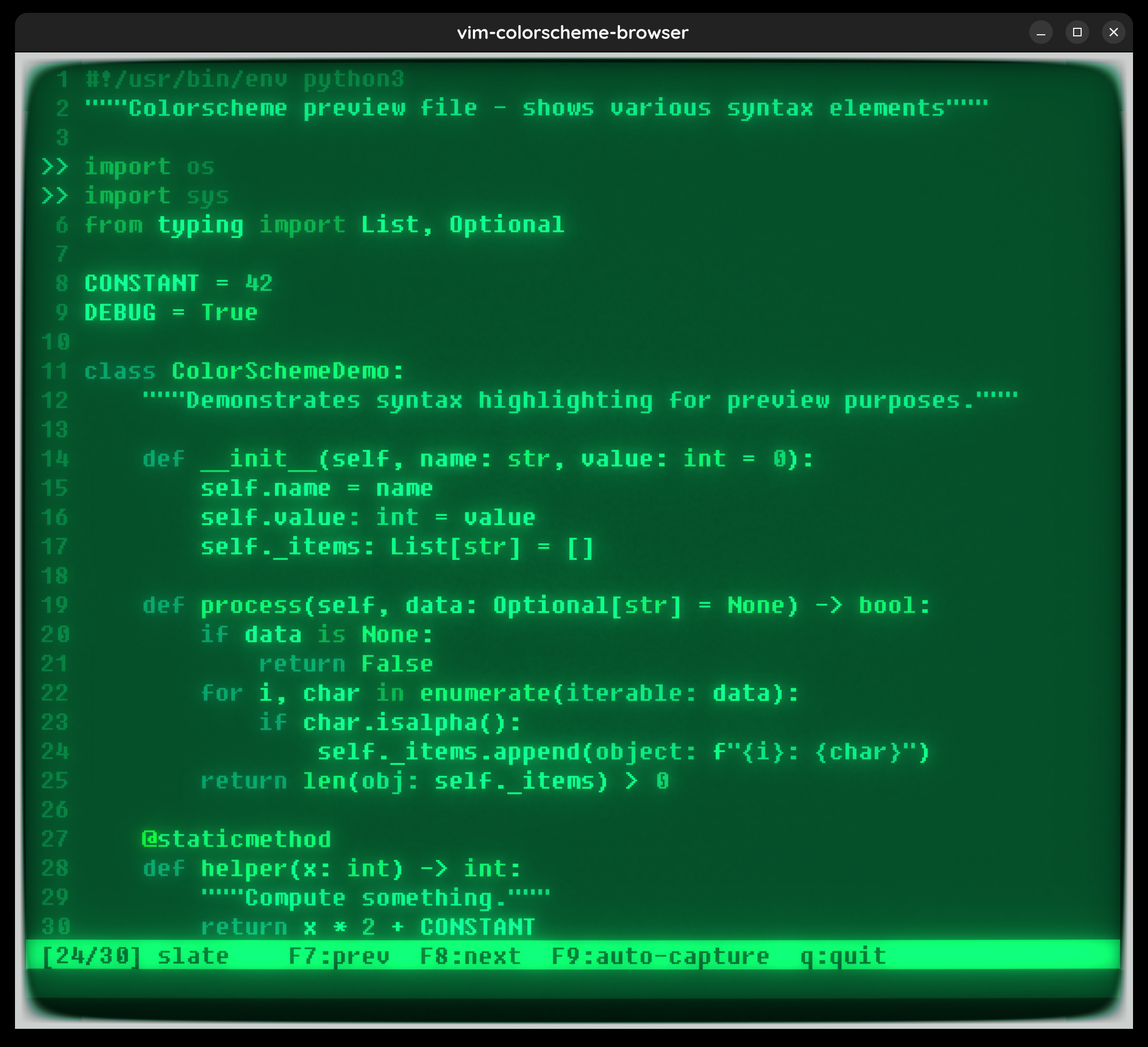
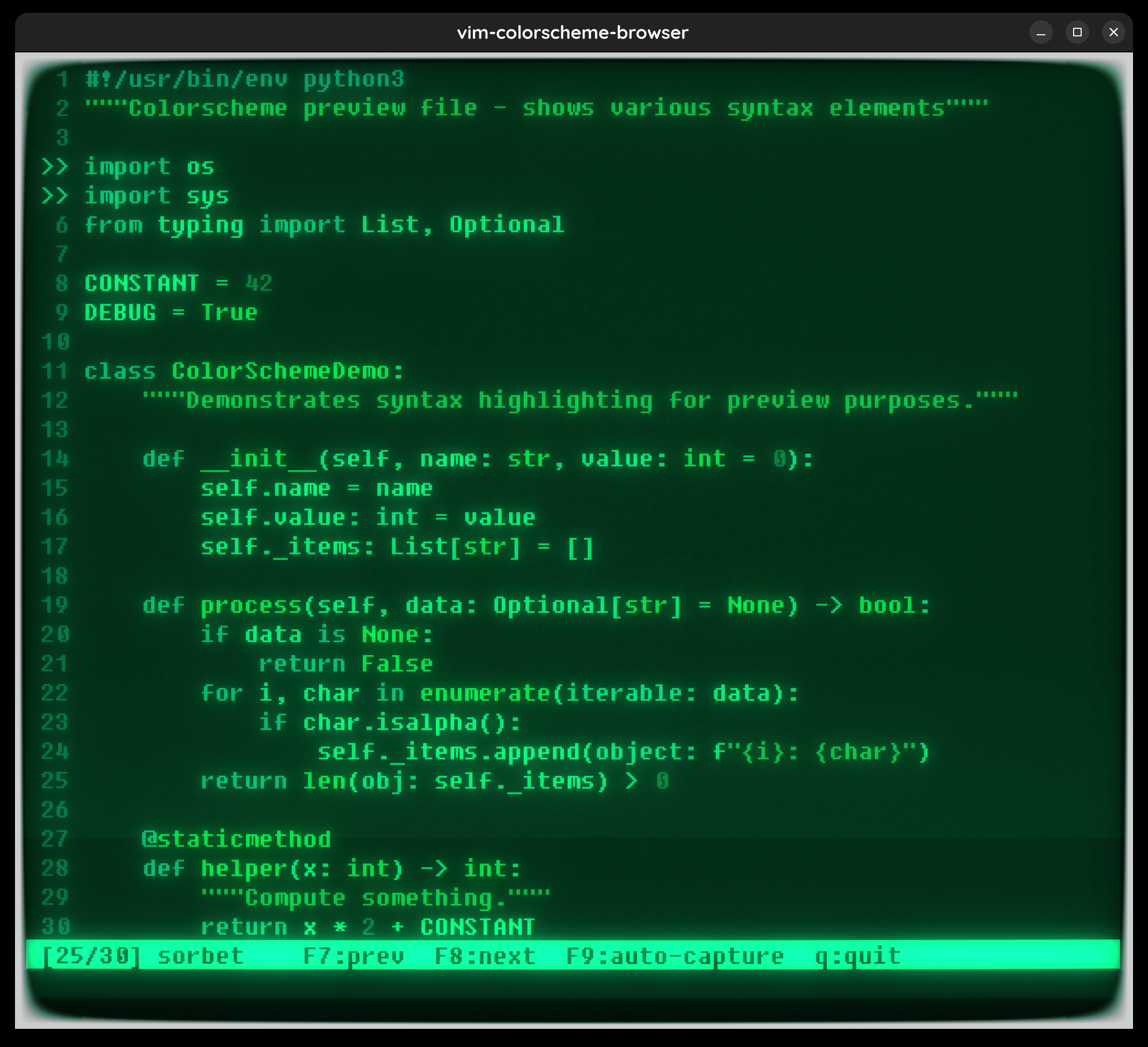
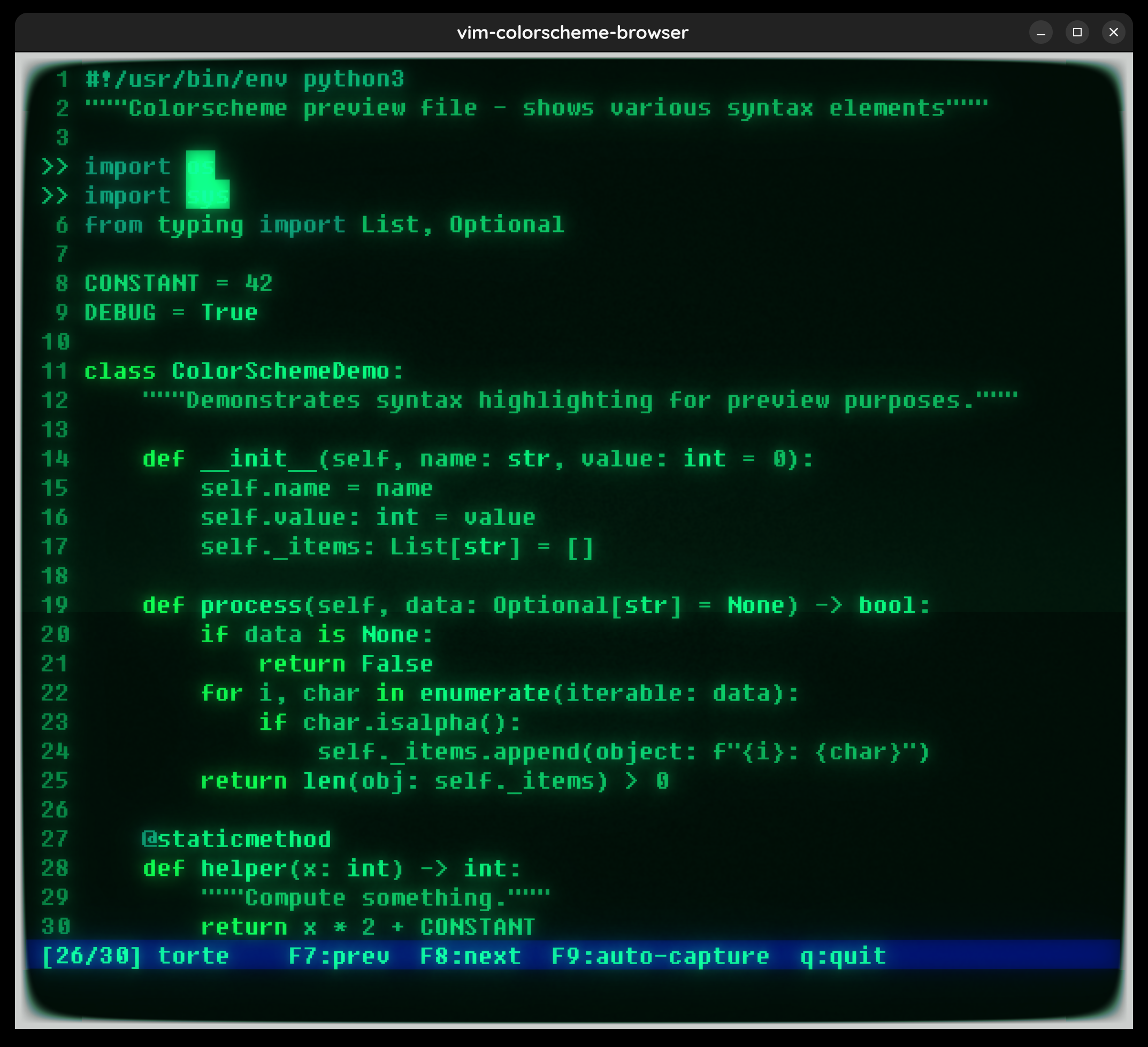
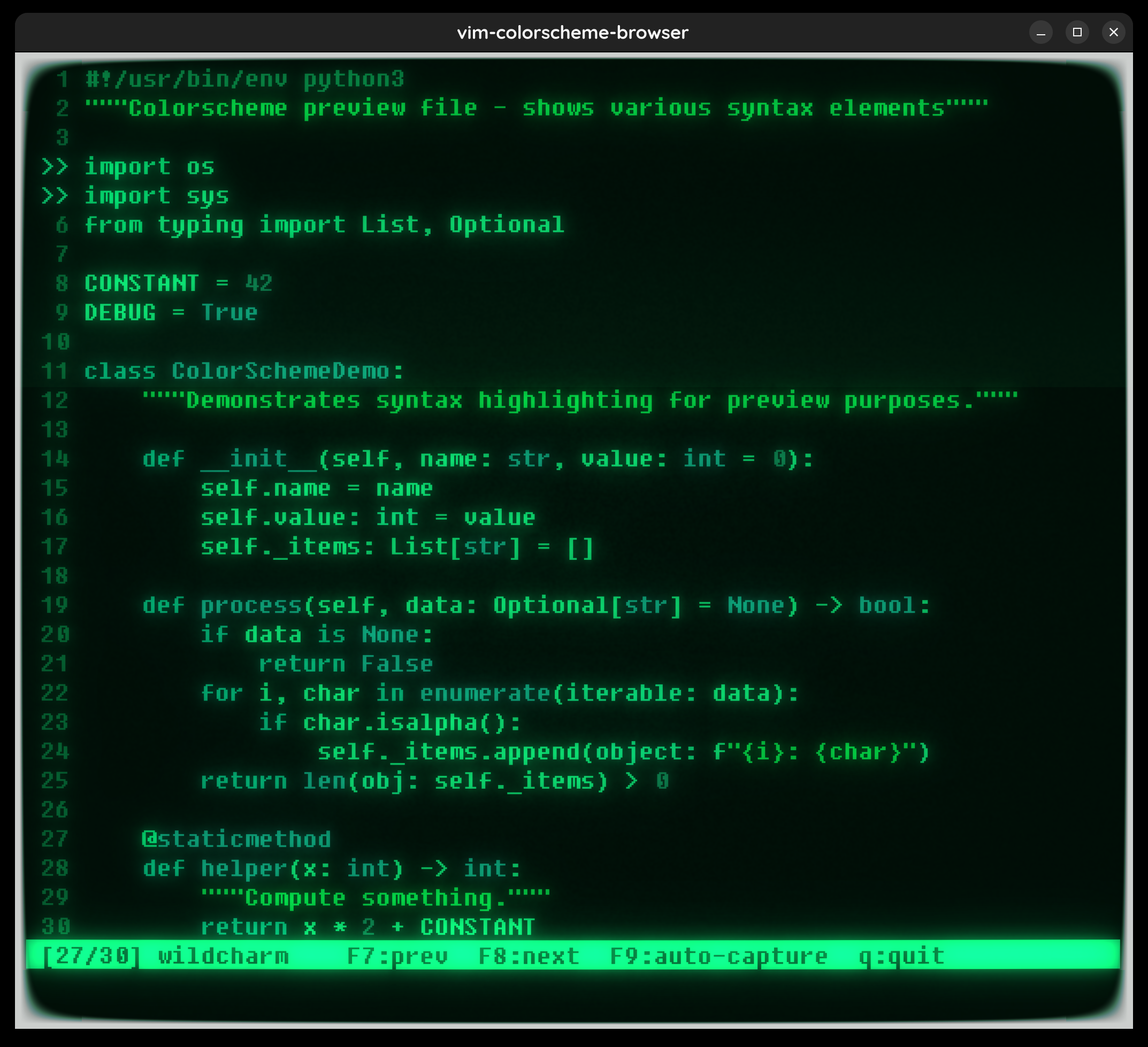
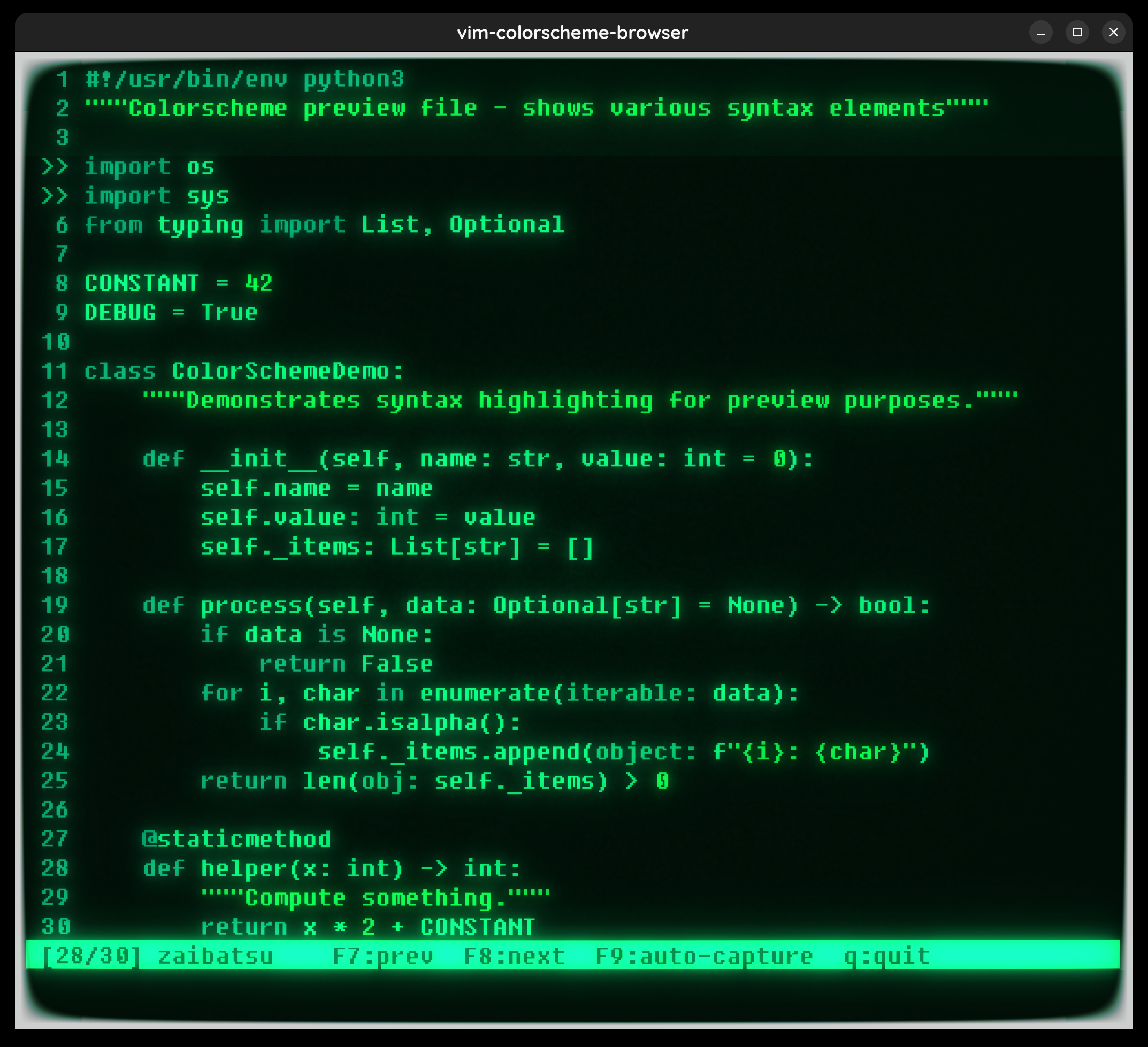
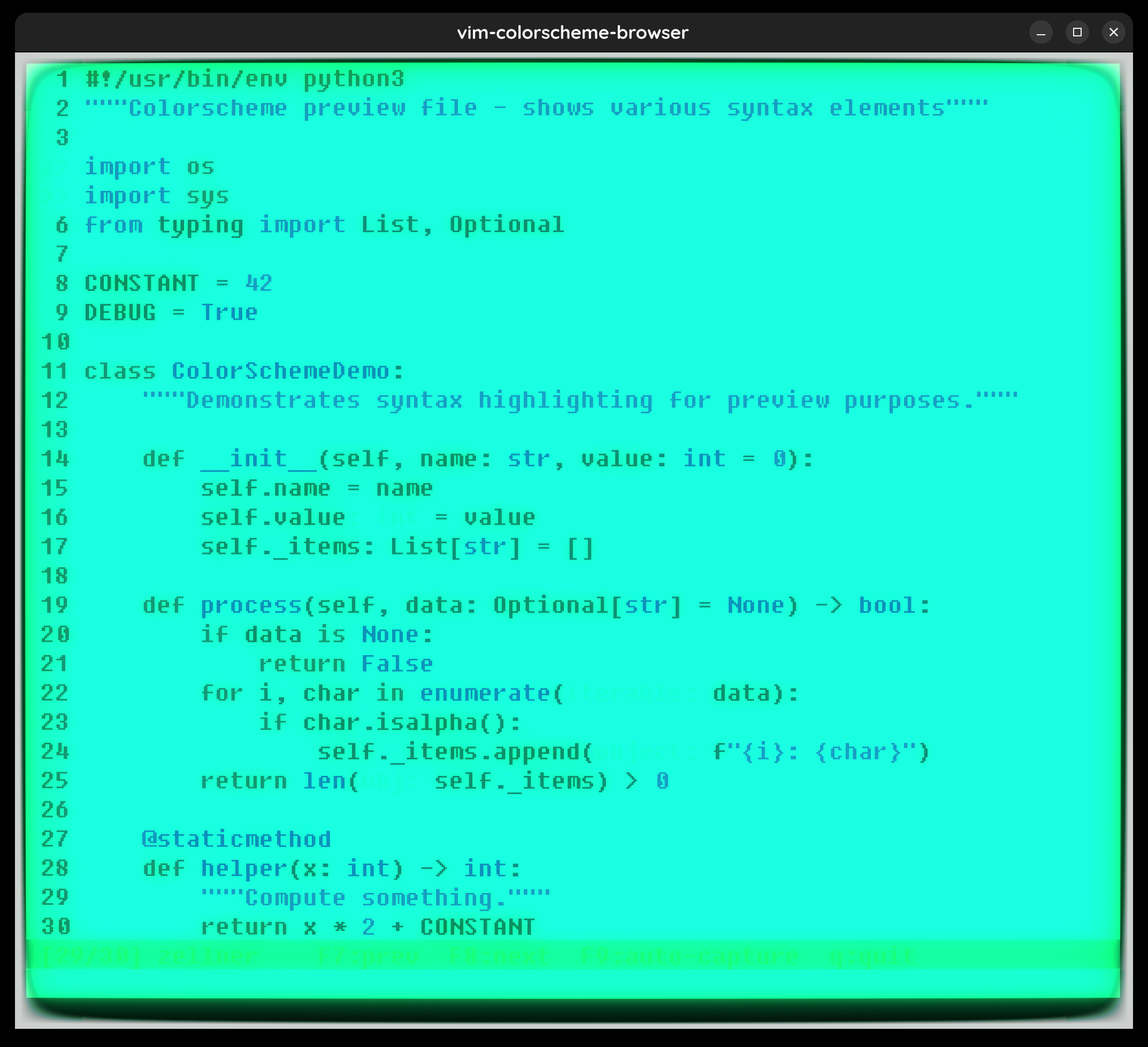
The full vimscript (with manual F7/F8 browsing and F9 auto-capture) is at /tmp/vim_cycle_colorschemes.vim.